
[[{“value”:”
I always knew the File Explorer was capable of more, and it bothered me how Gallery and Home views had smooth scrolling, but oddly enough, the rest of the folders and directories are jagged or stepped while scrolling. Now, we have an official reason from Microsoft.
The company has rebuilt both the Home and Gallery views using a new framework, which explains the smooth scrolling. However, the rest of File Explorer hasn’t been moved yet, because there are a few other important quality-of-life features that stand in the way.
Fortunately, Microsoft is already aware of the issue, but they are now fully focused on the reliability and performance improvements in File Explorer, which is a more pressing issue, to be honest.
That said, as spotted by Windows Latest, Microsoft leadership has confirmed that they will work on giving smooth scrolling for the entire File Explorer as soon as possible.
Why the File Explorer doesn’t have smooth scrolling
A user recently pointed this out on X and tagged Marcus Ash, who leads Design and Research for Windows + Devices, and shared a screen recording showing the issue in action. Marcus responded, saying they were discussing it internally and looped in Tali Roth, the head of Product for Windows Shell, who explained the case.
The Gallery and Home views in Windows 11 File Explorer are built using the WinUI 3 framework as part of the Windows App SDK (WASDK), which handles animations, scrolling, and rendering differently, which is why everything feels smoother there.
But the core of File Explorer, including regular folders, still uses legacy Win32 code. Note that Microsoft has modernised these specific sections by integrating modern UI components using a “wrapper” or “XAML Islands” approach.
However, those parts haven’t been rewritten yet, and they follow a completely different rendering path, which explains why scrolling feels abrupt.

Tali Roth pointed out that traditional folder views still carry a lot of functionality people depend on, such as type-ahead search, automatic column resizing, multiple layout modes, and a bunch of smaller features that are tightly coupled with the old Win32 system.
Moving to a new UI means rewriting how those features behave, making sure they still work the same way, and doing it without breaking anything.
File Explorer is layers of old and new systems working together. Some parts are modern, others go back years, and they all have to stay compatible with each other.
There’s also a trade-off here. Home and Gallery are cleaner and smoother because they’re built fresh. But they’re also simpler in terms of functionality.
Traditional folder views are heavier, but they’re also more flexible. They support different layouts, advanced sorting, deeper integrations, and behaviors that have been refined over multiple Windows versions.
File Explorer may get a touch-friendly UX
Another user asked about touch support, pointing out how difficult File Explorer feels to use on devices like the Surface Pro. Tali didn’t dismiss that either. She asked for specific feedback and confirmed they’re tracking touch-related issues.
File Explorer still feels like it was built for a mouse and keyboard first. Touch works, but it doesn’t feel natural because gestures are limited, hit targets aren’t ideal, and interactions don’t match what you’d expect from a modern touch interface.
So now there are two parallel problems. Visual consistency and input consistency. And both can be traced back to the same root cause.
File Explorer’s biggest problem is its past
File Explorer is still carrying layers of legacy design from older versions of Windows. Some parts have been modernized, others haven’t, and that’s why the experience feels uneven. Microsoft is clearly aware of it. They’re fixing things, but they’re doing it in phases instead of ripping everything out at once.
Microsoft is fully committed to File Explorer performance and reliability fixes
Microsoft is already fixing some of the deeper issues in File Explorer, even if smooth scrolling isn’t fully there yet. In recent preview builds, the company has improved folder view consistency and reduced random layout resets.
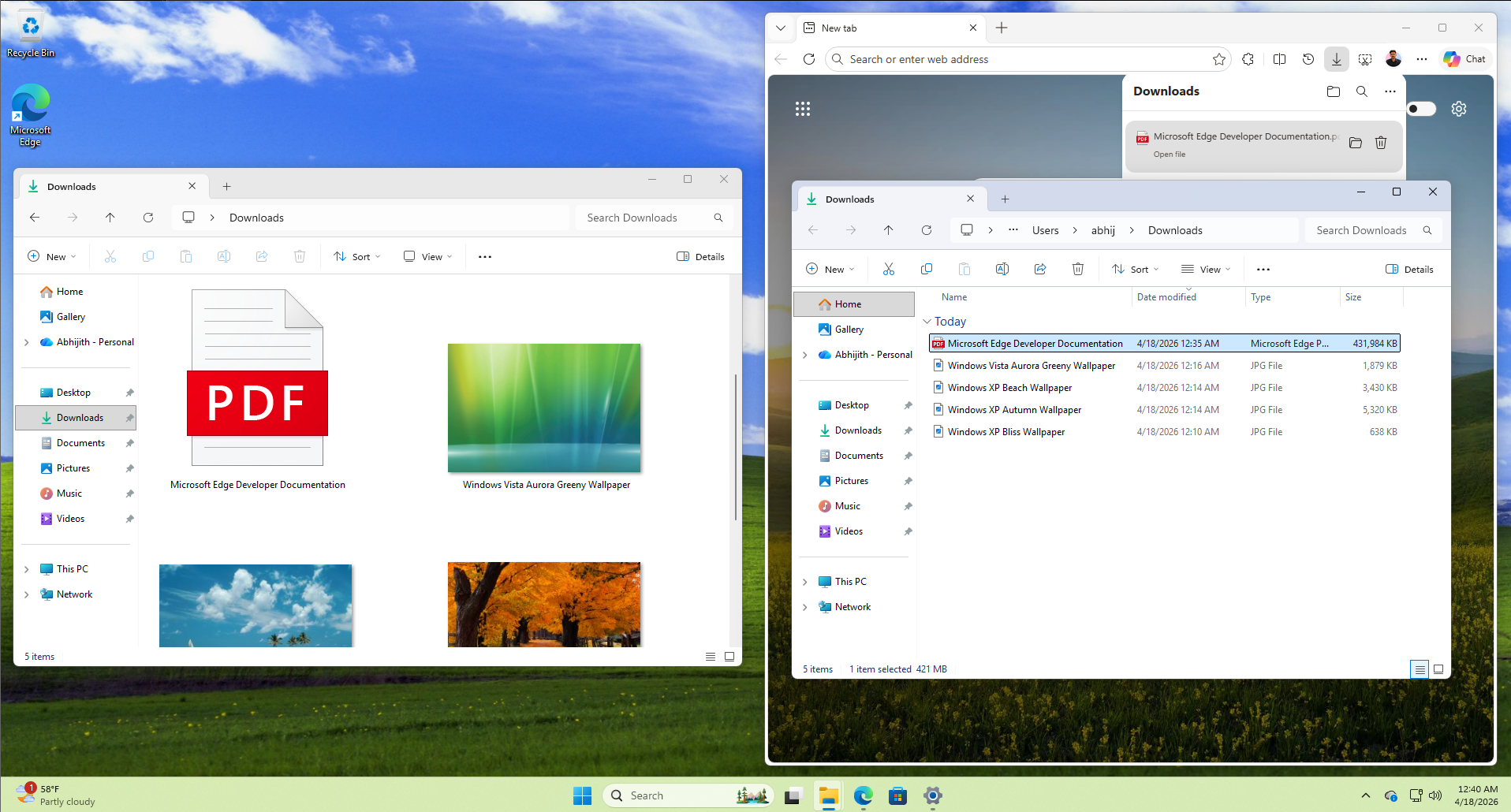
At the same time, performance and reliability are getting a noticeable push. In our testing, File Explorer launches faster, feels more responsive, and no longer flashes a white background in dark mode. Explorer.exe crashes are also being reduced, which has a direct impact on taskbar stability and system behavior.
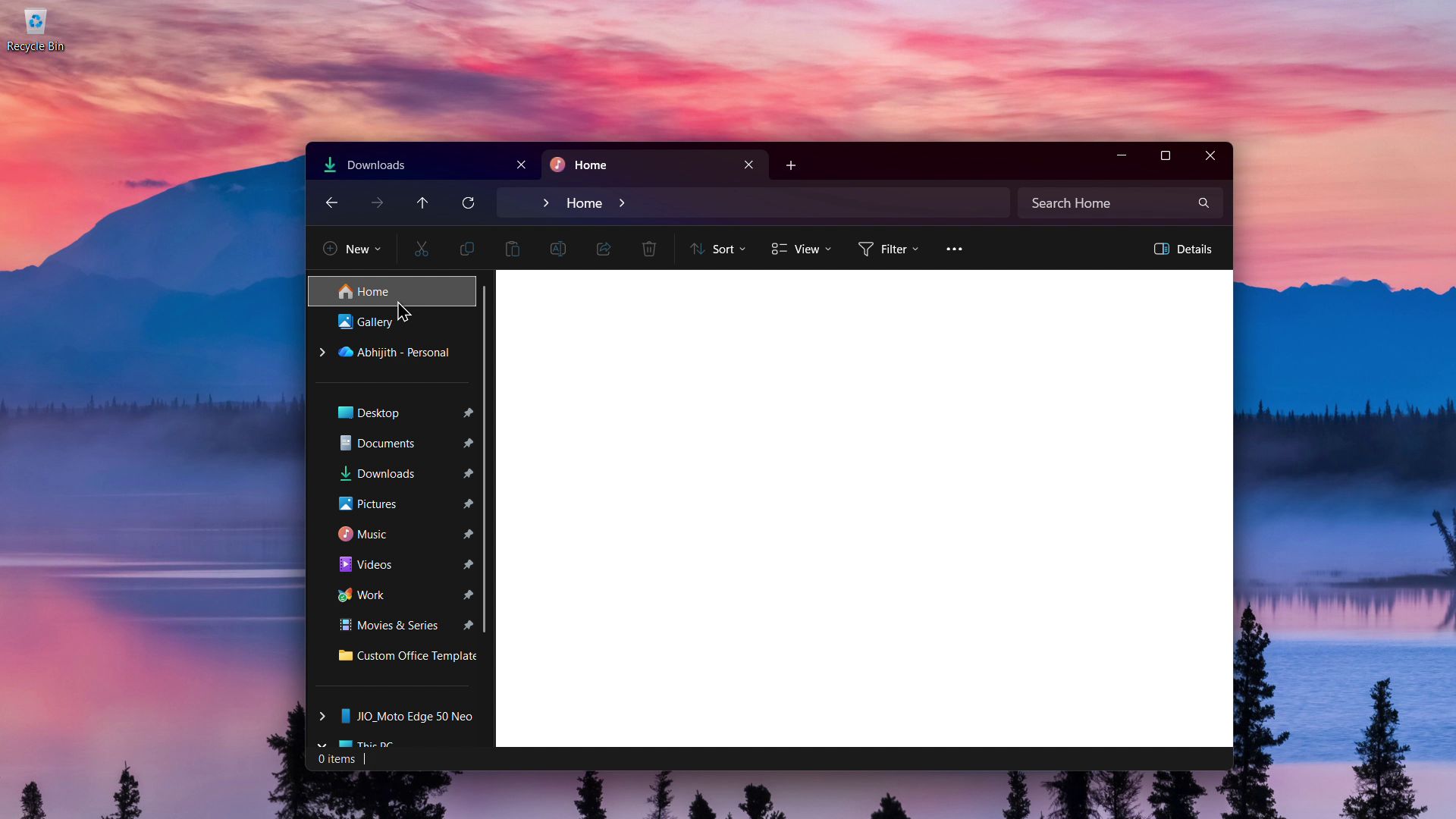
All of this is expected to roll out with the May 2026 update, along with many other reliability fixes. Smooth scrolling will come later, but right now, Microsoft is focusing on making sure File Explorer works consistently before making it look consistent.
The post Microsoft explains why Windows 11 File Explorer scrolls smoothly in some places, but not everywhere appeared first on Windows Latest
“}]]
[[{“value”:”Microsoft explained that File Explorer’s Home and Gallery views scroll smoothly while regular folders feel jagged because traditional folders still rely on legacy Win32 code to support complex features like advanced sorting and auto-resizing, preventing an immediate full WinUI 3 upgrade.
The post Microsoft explains why Windows 11 File Explorer scrolls smoothly in some places, but not everywhere appeared first on Windows Latest”}]] Read More Windows Latest