
[[{“value”:”
Benchmark Email has carved out a clear niche: email marketing for people who don’t want to spend an afternoon figuring out their email marketing platform.
Built by St. Louis-based Polaris Software, the platform recently launched a redesigned interface that trims away complexity in favor of a cleaner workflow. The free plan stands out in particular, offering the full drag-and-drop builder, AI writing tools, and real-time reporting without any feature restrictions, which is rare at this price point.
Our Benchmark Email review draws on hands-on testing of the 2026 platform across signup, campaign building, list management, and support.
My experience with Benchmark Email
Signing up took me about two minutes. The dashboard felt uncluttered, with the campaign creation flow turning out to be one of the more pleasant we’ve tested. You just pick a template, customize it in the drag-and-drop editor, set your audience, and schedule. There’s no hidden complexity once you click past the first screen.
The AI tools save real time. Smart Text can rephrase, expand, or tighten your copy on command, and Smart Images generates visuals from a text prompt. Free accounts get 25 AI credits to start. That said, the platform runs out of road quickly for advanced users. Behavioral triggers, automated sequences, and A/B testing aren’t available on any plan at the time of my review.
Benchmark Email review: Features
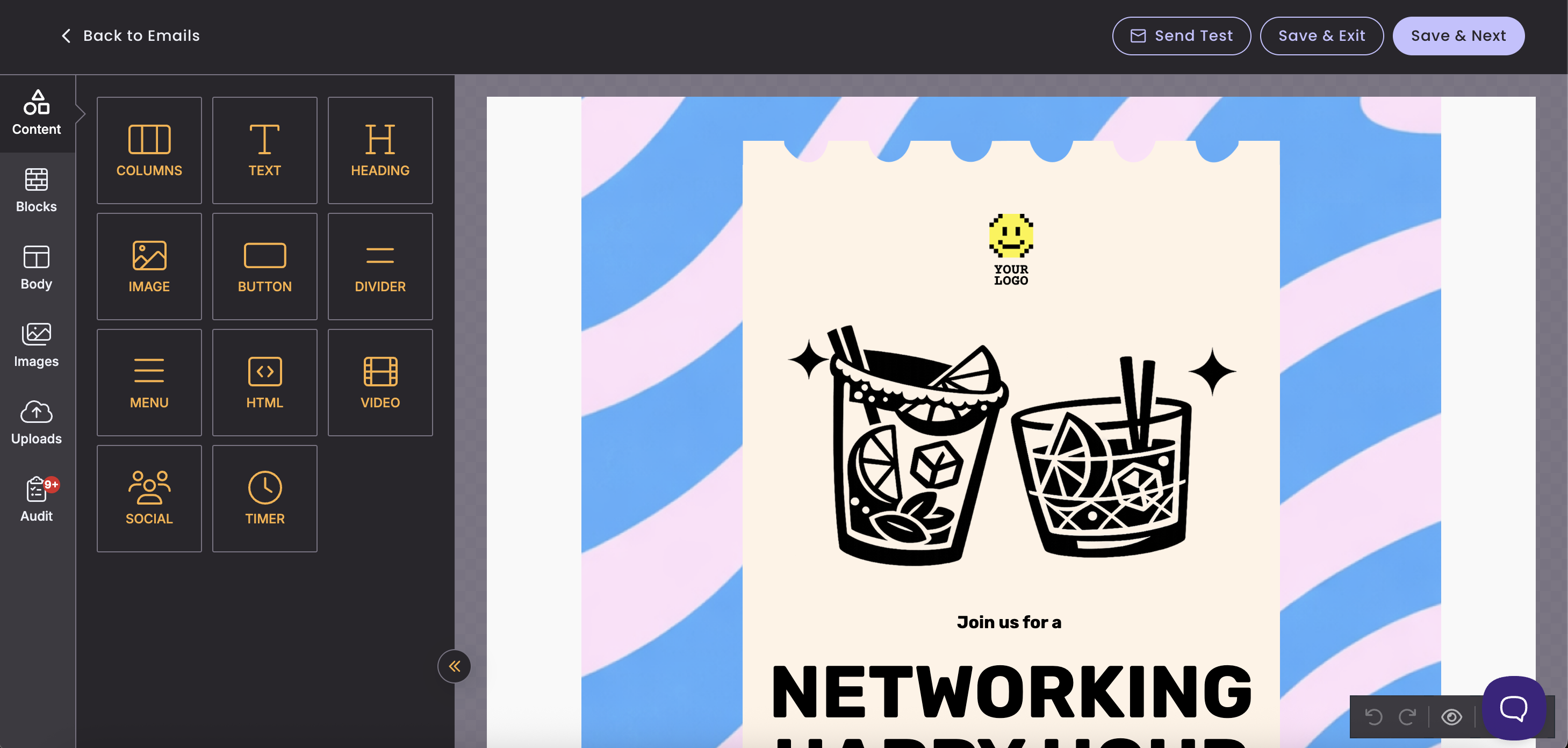
Benchmark Email keeps its feature set tight. The email editor comes with over 120 pre-designed templates and supports custom fields, merge tags, and flexible grid layouts. Contact management covers tags, custom fields, and segmentation by engagement or interest, which is enough to send reasonably targeted campaigns without needing a dedicated CRM. The reporting dashboard tracks opens, clicks, and bounces per campaign, with 30, 60, and 90-day trend views.
There are a few caveats worth knowing before you commit. There’s no marketing automation on any plan: no welcome sequences, no drip campaigns, no behavioral triggers. There’s also no A/B testing, no landing pages, and no native integrations on the free tier. Competing platforms like Mailchimp and Brevo offer at least basic automation even at lower price points, so this is a meaningful gap across the whole product, not just the free tier.
Every plan, including the free one, gets the same full feature set within its limits. There’s no stripped-down editor or pay-walled reporting. For a small business owner sending a monthly newsletter to a few hundred subscribers, the platform delivers what it promises.
Benchmark Email review: User experience
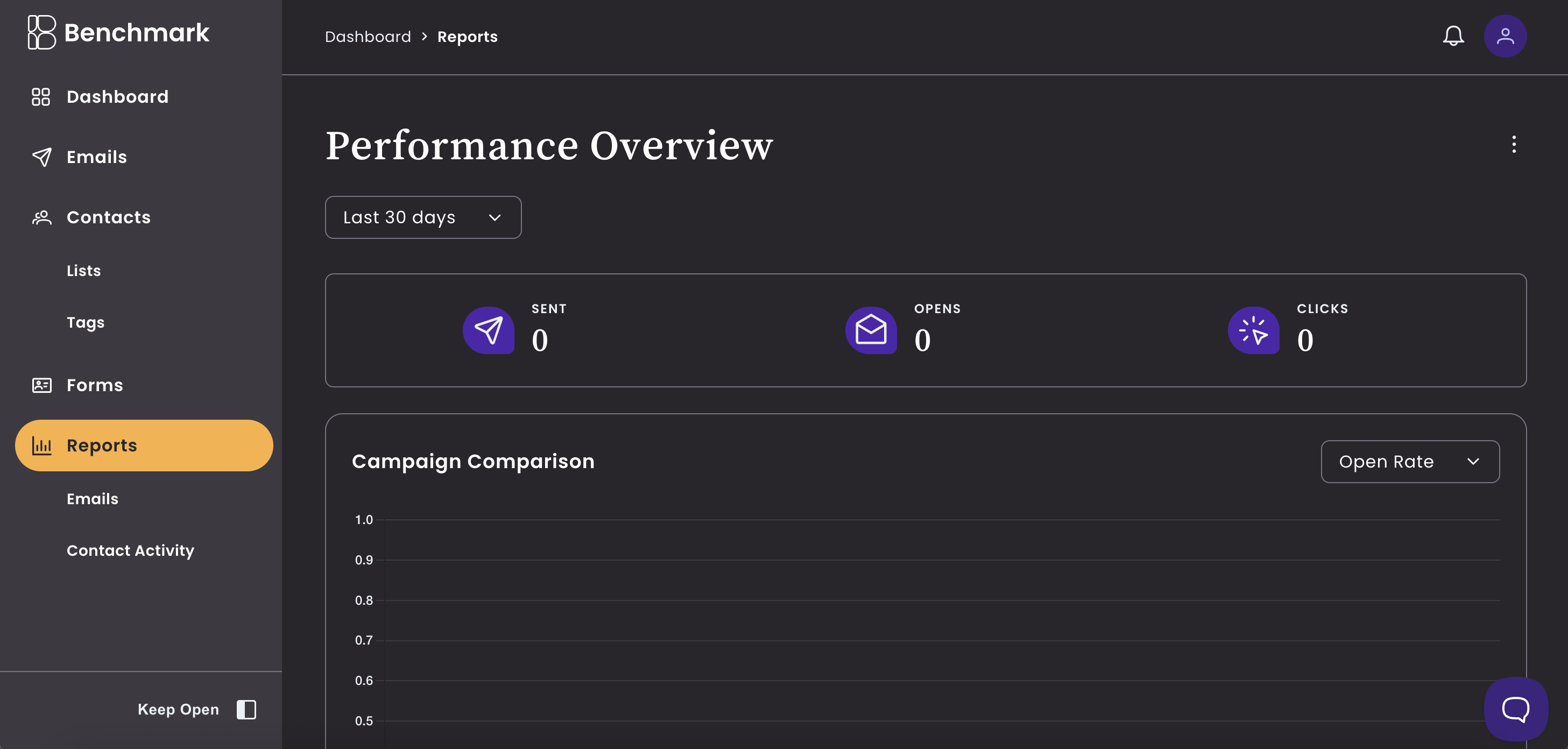
The new interface is clean and intuitive. Contacts, campaigns, reports, and support all sit within one or two clicks from the main dashboard. The Contact Activity section is particularly useful, showing each subscriber’s recent engagement with your campaigns at a glance. New users should be able to send their first campaign within 30 minutes of signing up.
A few UX issues persist. Adding contacts manually is more cumbersome than it needs to be, especially compared to tools like Constant Contact that make list building feel effortless. Template customization has limits too; if you want a design that diverges significantly from the included layouts, you’ll need HTML knowledge. The platform’s mobile experience has also drawn criticism from users, with some reporting that certain screens require awkward device rotation to navigate.
Benchmark Email review: Customer support
Benchmark Email’s support is one of its strongest selling points. The platform offers live chat, email, and phone support across all plans. Based on my experience and other user reviews, the team is responsive and helpful. Live agents are available during normal business hours on the new platform, with email and help docs covering after hours.
Benchmark Email also doesn’t put paid users ahead of free users in the support queue. Both tiers reach the same team and help resources, which is less common than you’d expect among platforms with a free plan. There’s a detailed knowledge base with step-by-step guides, video walkthroughs, and animated how-tos. User feedback is broadly positive, though a handful of reviews flag language barriers and difficulty reaching agents during off-peak hours.
Benchmark Email pricing and plans
|
Plan |
Monthly cost |
Contacts |
Emails per month |
Users |
|---|---|---|---|---|
|
Free |
$0 |
Up to 500 |
2500 |
1 |
|
Pro |
From $19 to $499 |
1000 to 100,000 |
From 10,000 |
10 |
|
Enterprise |
Custom |
100,000+ |
Custom |
Custom |
The free plan is actually useful rather than a limited preview. You get the full editor, AI tools, reporting, and real support without paying anything — the only real limits are the 500-contact cap and 2,500 monthly sends. When your list grows past 500, the Pro plan starts at $19/month for 1,000 contacts, which is a reasonable jump and makes upgrading less disruptive than it might seem.
Additional users on paid plans cost $15 per month each, with a maximum of 10 users per account. Benchmark Email doesn’t use opaque credit systems or hide features behind tier upgrades, so pricing stays predictable as your contact count grows. Annual billing discounts are available but not prominently advertised on the pricing page.
Benchmark Email review: Specs
|
Spec |
Details |
|---|---|
|
Free plan |
Yes; up to 500 contacts and 2,500 email sends per month max |
|
Additional users |
More seats at $15/month per user |
|
Automation features |
None available |
|
A/B testing |
Not supported |
|
AI features |
Smart Text and Smart Images |
Should I buy Benchmark Email?
|
Attribute |
Notes |
Score |
|---|---|---|
|
Features |
Covers the basics well; no automation or A/B testing |
3/5 |
|
Performance |
Clean editor, reliable deliverability, no major complaints |
4/5 |
|
Design |
Polished, approachable interface with recent redesign |
4/5 |
|
Value |
Free plan is unusually strong; paid tiers scale quickly |
3.5/5 |
Buy it if…
- You want a no-fuss email marketing tool. Benchmark Email is built around simplicity, and the interface makes it easy to go from signup to first campaign without a manual.
- You’re on a tight budget. The free plan covers 500 contacts and 2,500 sends per month with the full editor and AI tools, which is more than most free tiers offer.
- Good support matters to you. Unlike many platforms, Benchmark Email doesn’t reserve better support for higher-paying users. Free and paid accounts reach the same team.
Don’t buy it if…
- You need automation. Benchmark Email has no triggered sequences or automated workflows on any plan. Platforms like Mailchimp or Brevo offer this even on their entry tiers.
- You run A/B tests. There’s no split testing available, which limits how much you can optimize subject lines, send times, or content over time.
- Your list sits between 500 and 1,000 contacts. There’s no paid tier between the free plan and the 1,000-contact Pro plan, so you’ll need to upgrade to $19/month even if your list is only slightly over the free limit.
Also consider…
- Mailchimp: includes basic automation and A/B testing even on the free plan, though its interface is more complex and paid tiers are pricier.
- Brevo: offers email and SMS marketing with automation and transactional email on lower-cost plans, making it a stronger option for scaling teams.
- Constant Contact: a solid alternative for small businesses that want more list-building tools and event marketing features beyond basic newsletters.
How I tested Benchmark Email
- Signed up for a free account and built a campaign from scratch using the drag-and-drop editor and an existing template.
- Tested contact management by importing a sample list, applying tags, and creating a segment based on engagement data.
- Contacted support via live chat to evaluate response time, agent knowledge, and the quality of the help documentation.
Testing covered the full signup-to-send workflow on the free plan, including email design, contact segmentation, and reporting. I also reviewed user feedback across three top review platforms to cross-check my hands-on observations against a broader range of use cases. Pricing was verified against Benchmark Email’s official pricing page and their published blog documentation.
“}]]
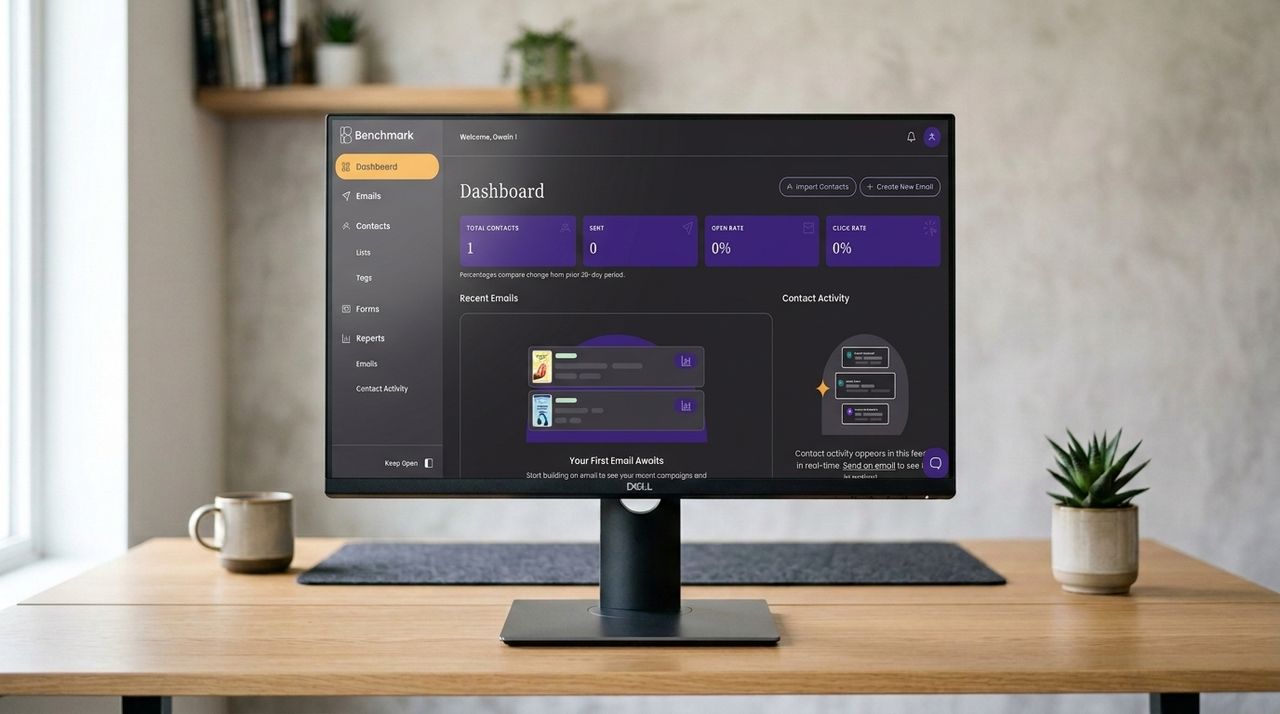 Benchmark Email offers a generous free plan and a polished drag-and-drop editor, but lacks automation and A/B testing even on paid tiers. Read More Latest from TechRadar US in Reviews