
[[{“value”:”
Microsoft is walking away from more products this year than it did in 2025. Products that still run on millions of devices, including Windows 11 24H2, Office 2021, SQL Server 2016, and Windows Server 2012’s last ESU year, all expire in 2026. While 2025 was mostly about Windows 10, 2026 is a pile-up.
Also, in case you didn’t know it already, once a product hits its date, security updates, bug fixes, and paid support stop, unless Microsoft happens to offer an Extended Security Updates program for it, and even ESU only covers critical security fixes, nothing else.
Note that this doesn’t mean a software becomes unusable. It just stops being protected. For a note-taking app, that’s alright. But for a database sitting behind your company firewall, the consequences can be devastating if you don’t do anything about it.
So, we went through Microsoft’s official 2026 lifecycle page, checked every date, and ranked all of it by how many people it hits and how bad the fallout. Here is the list of all important Microsoft products losing support in 2026:
#1 Windows 11 24H2 (Home and Pro) – October
Windows 11, version 24H2 for Home and Pro editions reaches end of servicing on October 13, 2026. Since 24H2 has been the default install on every new Windows 11 PC since October 2024, that covers most of the consumer install base.
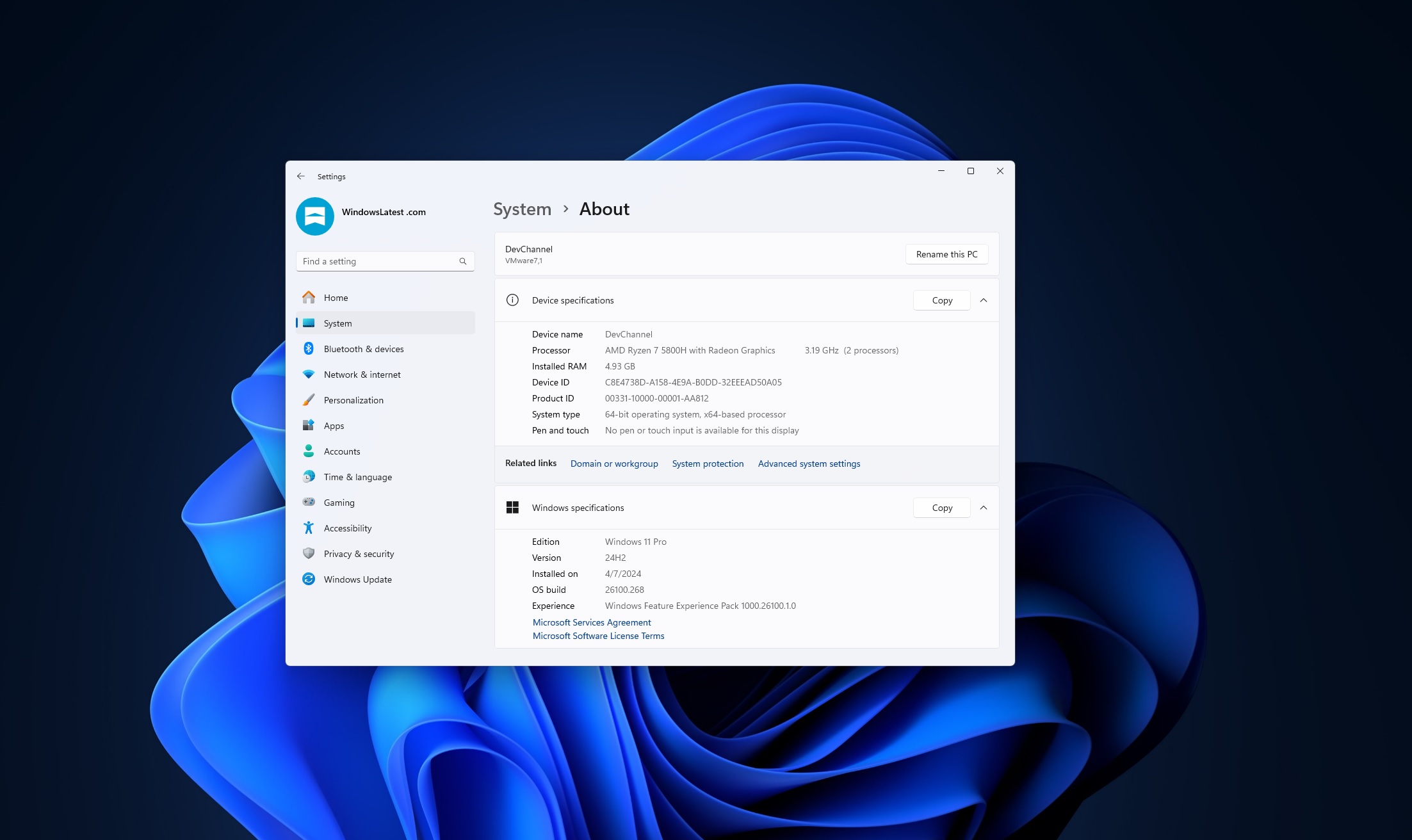
To check which version you have, press Win + R, type winver, and press Enter.
However, Windows 11 24H2, 25H2, and 26H2 all run on the same platform, codenamed Germanium. As Windows Latest reported, Microsoft has already started force-installing 25H2 on eligible Home and Pro PCs to clear this exact deadline, and it takes minutes with one reboot.
Enterprise and Education editions get a reprieve until October 2027. Open Settings > Windows Update and check now. If 25H2 hasn’t landed yet, force it. There’s no real reason to wait.
#2 Office 2021 and Office LTSC 2021, all editions – October
This is not very good news for me, because when I bought my PC, it came with lifetime support for Office 2021, and the then-ignorant me didn’t realize that lifetime meant just 5 years! Unlike Windows versions, updating from one Office version to the next isn’t free.
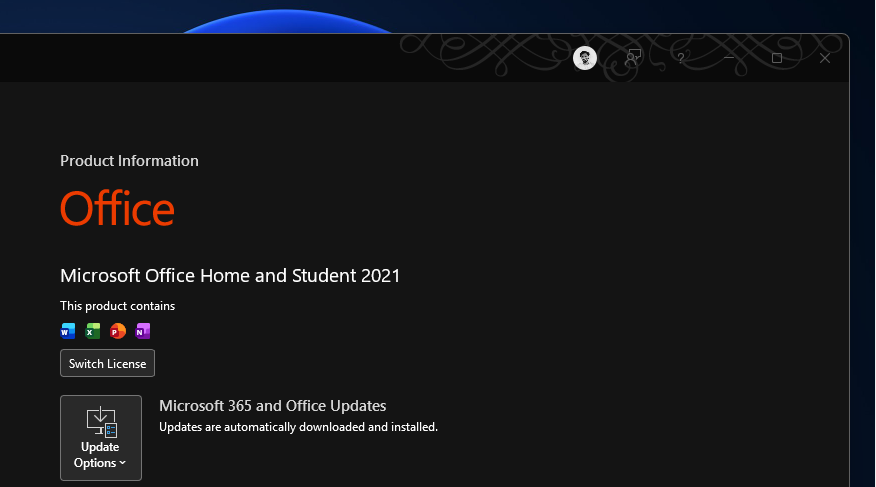
Every version of Office 2021 dies on the same date as Windows 11 24H2. Word, Excel, PowerPoint, Outlook, Access, OneNote, Publisher, Visio, and Project 2021 all go, plus the Office 2021 LTSC builds for Windows and Mac. Microsoft lists all nine apps separately under the same October 13, 2026 retirement, and there’s no partial exemption.
Note that older perpetual releases like Office 2016 and 2019 got ten years of support. Anyone who paid once for Office 2021 specifically to dodge a Microsoft 365 subscription is now facing another purchase decision half as far apart as they’d probably budgeted for.
Home users and small businesses on the perpetual, non-subscription version of Office feel this. Of course, Microsoft 365 subscribers can ignore it, since their apps update on their own. Either way, the path forward is a Microsoft 365 subscription or buying Office LTSC 2024, which carries support through 2029!
#3 Windows Server 2012 and 2012 R2, final ESU year – October
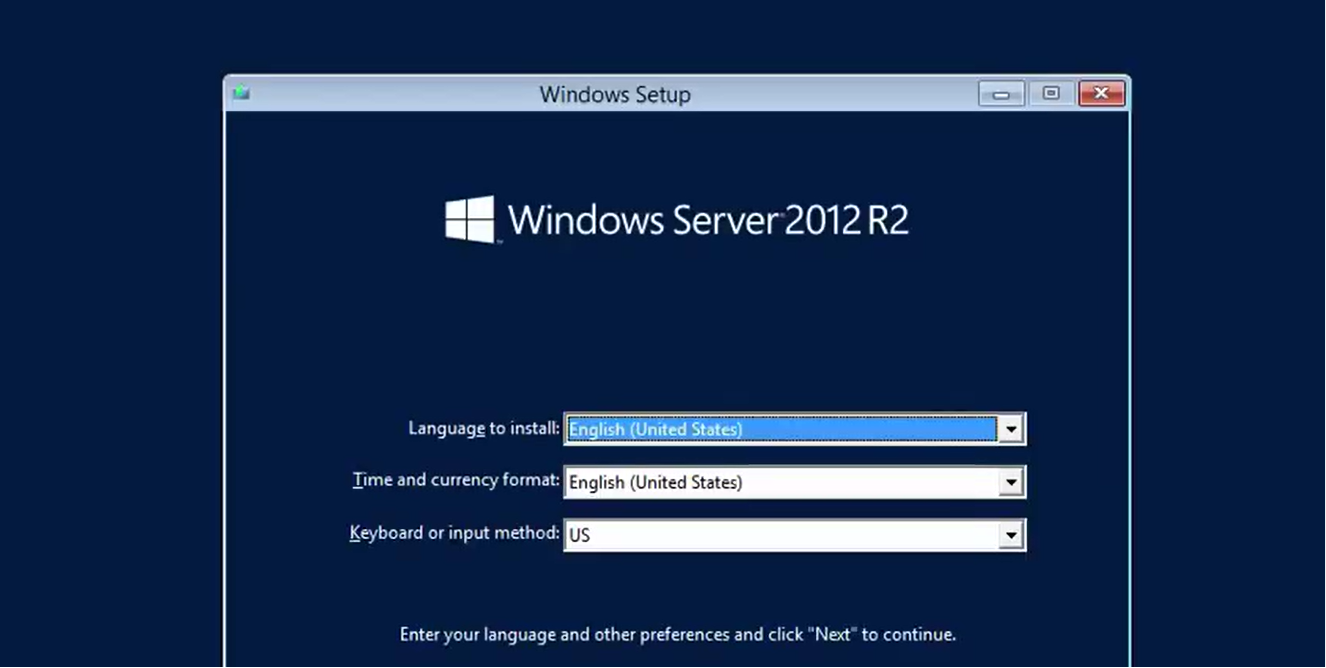
Windows Server 2012 and 2012 R2 left mainstream support in October 2023, and Microsoft sold organizations three more years of Extended Security Updates as a bridge. Come October 13, 2026, that bridge is closing. There’s no ESU Year 4 coming.
Windows Server 2012 still runs a lot of domain controllers, file servers, and business-critical apps that never got scheduled for migration. Server operating systems tend to outlast the hardware refresh cycles built around them, and 2012 has had an unusually stubborn tail.
Any organization still running the 2012 family in production is exposed, particularly on premises rather than in Azure. (Azure-hosted instances get ESU coverage for free during this same window, a detail plenty of admins seem to miss.) The way out is migrating to Windows Server 2025 or moving the workload into Azure Virtual Machines to keep security coverage without a separate ESU bill.
#4 SQL Server 2016 – July
SQL Server 2016 hits extended end of support on July 14, 2026. It’s the biggest database deadline on the calendar this year. SQL Server 2016 has quietly become a workhorse release, under ERP systems, reporting infrastructure, and countless custom apps that nobody had urgent reason to touch.
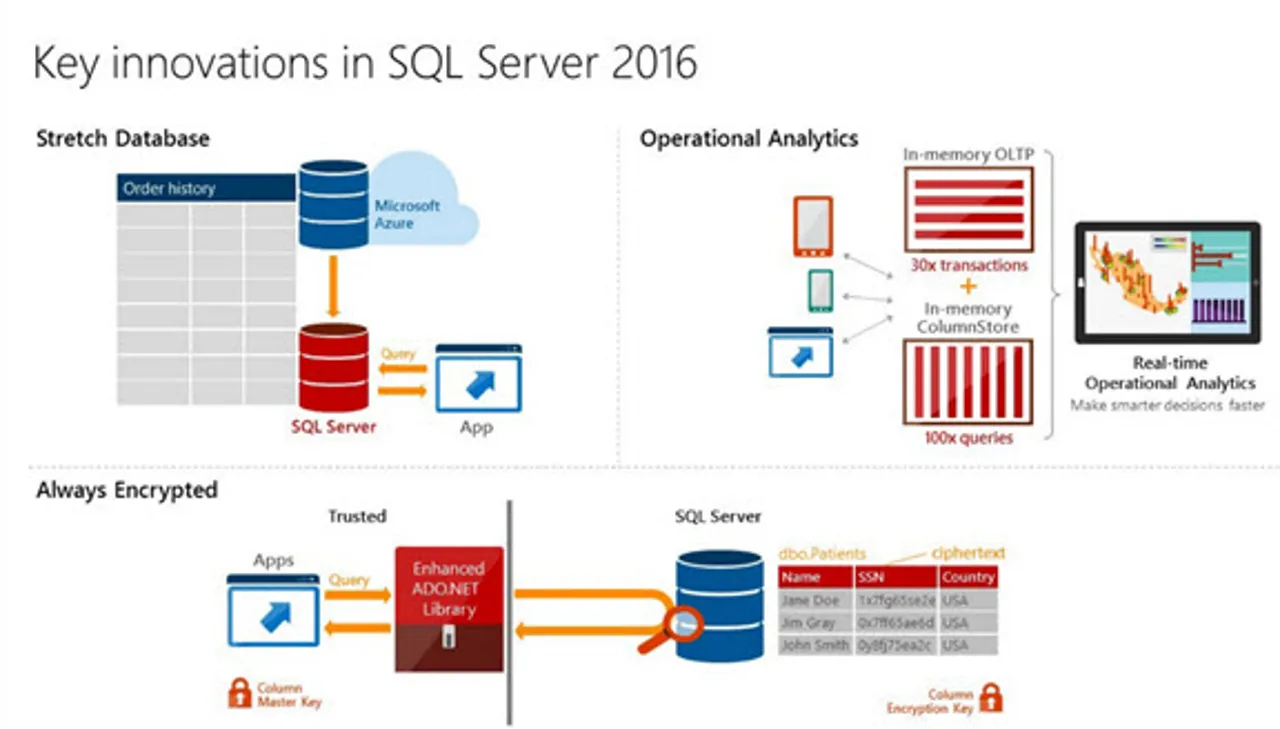
Microsoft does sell Extended Security Updates for up to three more years after the cutoff, but only to organizations that plan for it. And the catch is that ESU Year 1 pricing starts July 15, 2026, and covers only what Microsoft classifies as critical severity, not the broader range of fixes a fully supported version gets.
Any business still running production workloads on SQL Server 2016 needs a plan, especially in regulated industries like healthcare and finance, where unsupported database software is also a compliance problem. Upgrading to SQL Server 2019 or 2022 works, and so does migrating to Azure SQL Database or Azure SQL Managed Instance, where Microsoft handles the patching for you.
#5 SharePoint Server 2016 and 2019, plus Project Server 2016 and 2019 – July
Same date as SQL Server 2016. SharePoint Server 2016 and 2019 both reach end of extended support on July 14, 2026, alongside Project Server 2016 and 2019, according to Microsoft.
Organizations that built custom intranets, document workflows, or records management systems on top of on-premises SharePoint may be affected. SharePoint Online has kept gaining features for years while the Server editions were frozen in time, so Microsoft isn’t cutting off something current here. They’re closing a door most admins already saw coming.
Enterprises and government agencies running on-premises SharePoint farms may feel the most heat, especially since data sovereignty rules make a full cloud move practically unfeasible. Migrating to SharePoint Server Subscription Edition keeps things on-premises with continued support, while moving to SharePoint Online under Microsoft 365 is the other route.
#6 Microsoft Publisher – October
Publisher is the odd one out in this list, because apart from losing support this year, it’s being retired. Microsoft’s support page confirms Publisher drops out of Microsoft 365 after October 2026, and subscribers lose the ability to open or edit Publisher files once that happens.
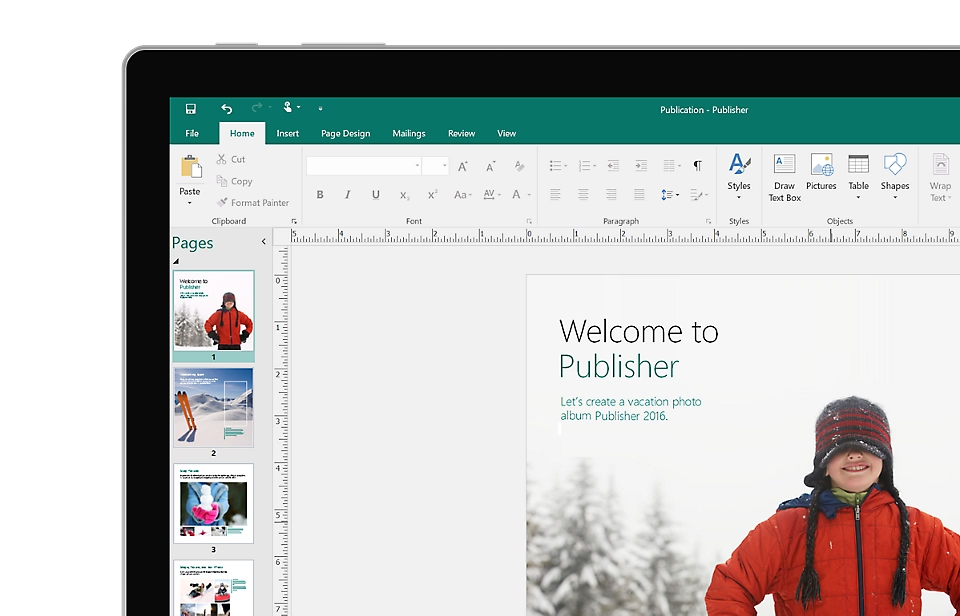
Of course, the perpetual, locally installed version keeps technically running past the cutoff since it’s within Office LTSC 2021’s support window, but it stops receiving updates, and Microsoft has already pulled it from sale. There’s no Publisher 2024. Microsoft’s suggested alternatives are Word and PowerPoint for layout work, which says plenty about where the company sees this product going.
Small businesses, churches, and community groups that still use Publisher for newsletters and brochures are the affected group here, a surprisingly loyal user base for software most people assumed died a decade ago. We recommend converting existing .pub files to PDF or Word before the cutoff.
#7 Exchange Server and Skype for Business Server, ESU Period 2 – October
Exchange Server 2016 and 2019 technically reached end of support in October 2025, but Microsoft split the paid Extended Security Updates bridge into two periods to soften the blow. Period 1 expired in April 2026. Period 2, which is the real final cutoff, runs out on October 31, 2026. Skype for Business Server 2015 and 2019 follow the identical two-period schedule.
Once Period 2 closes, that’s the end of the line. No more ESU purchases for either product!
Organizations still running on-premises email or unified communications that haven’t migrated to Exchange Online or Teams need to move now. Exchange Online under Microsoft 365 is the cloud path, while Exchange Server Subscription Edition is the option for anyone who has to stay on-premises.
#8 Windows 11 Enterprise and Education 23H2, plus .NET 8, .NET 9, and PowerShell 7.4 – November
Four unrelated products share this one date. Windows 11 Enterprise, Education, and IoT Enterprise editions on version 23H2 reach end of servicing on November 10, 2026, a year after Home and Pro editions of the same version lost support back in November 2025. With it, .NET 8 (an LTS release), .NET 9 (a Standard Term Support release), and PowerShell 7.4 (also LTS) all hit end of support the same day, confirmed directly on Microsoft’s lifecycle page.
IT teams managing Windows 11 23H2 fleets on enterprise licensing need to move, along with developers with apps still targeting .NET 8, .NET 9, or PowerShell 7.4. Upgrade managed Windows devices to 24H2 or later, move .NET apps to .NET 10, and update PowerShell to 7.6 or newer.
#9 Windows 10 2016 LTSB and IoT Enterprise LTSB 2016 – October
The 2016 Long-Term Servicing Branch editions of Windows 10 reach end of extended support on October 13, 2026. LTSB and its successor LTSC, exist specifically for kiosks, medical devices, and industrial equipment that need a locked-down OS with no feature churn for a decade at a stretch.
Manufacturers and healthcare providers using specialized hardware on the 2016 LTSB branch are a narrower audience than mainstream Windows 10, but a higher-stakes one. A migration to a currently supported LTSC release is the only real path, since these devices rarely click through a Windows Update prompt.
#10 Windows 11 SE – October
Windows 11 SE, the stripped-down education edition built to go after Chromebooks, loses support on October 1, 2026. Microsoft confirmed back in 2025 that no further updates were coming and has been nudging schools toward standard Windows 11 editions. As expected, the $250 Surface SE that launched alongside it isn’t getting a successor either.
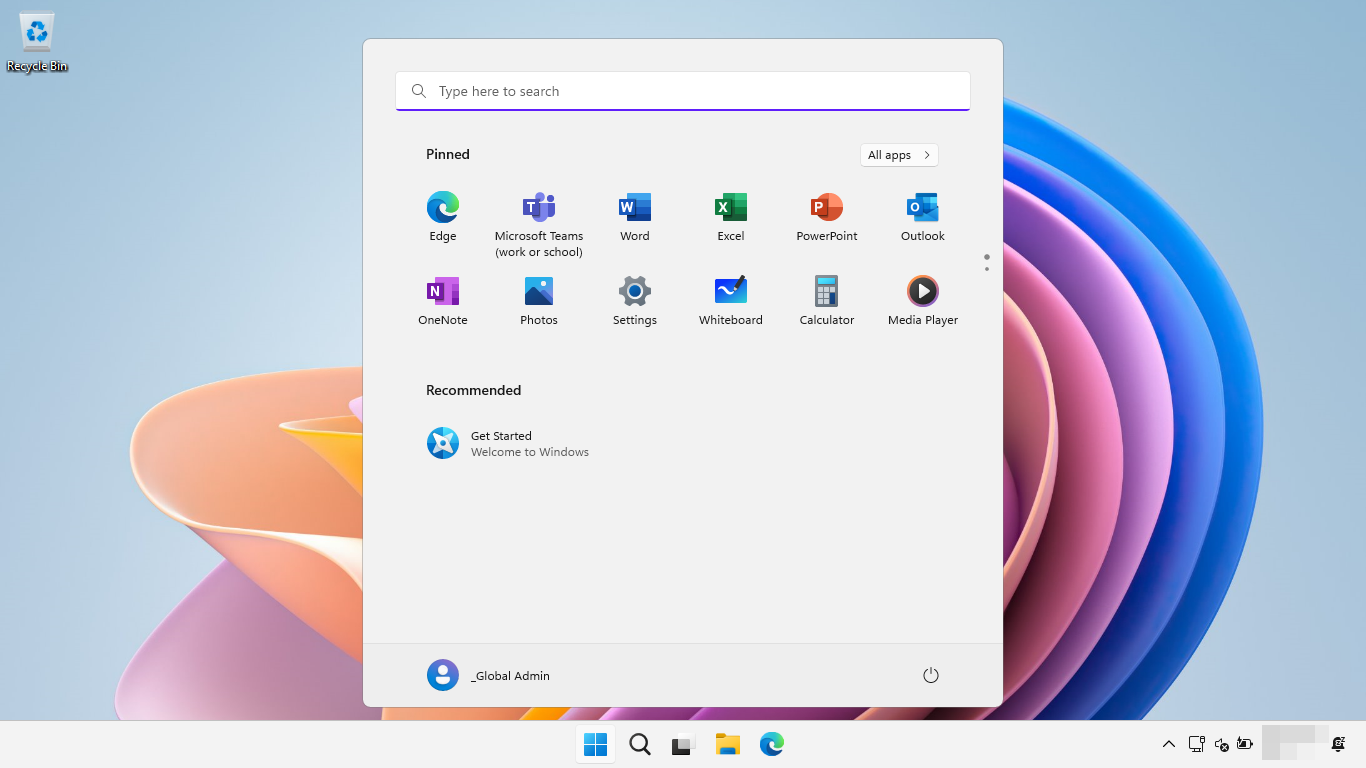
Schools and districts that bought into the Windows 11 SE and Surface SE ecosystem are stuck with a bet Microsoft seems to have given up on. Moving managed devices over to standard Windows 11 Education or Windows 11 Pro Education licensing is the only supported way forward.
#11 Dynamics CRM 2016 and older Dynamics products – January
Dynamics CRM 2016, along with Dynamics GP 2016, GP 2016 R2, NAV 2016, and C5 2016, all lost support in the first third of the year. Dynamics CRM 2016 went first, on January 13, 2026, with the GP, NAV, and C5 2016 releases that followed on April 14, 2026.
Businesses running on-premises CRM or ERP on these specific 2016-era Dynamics products, mostly mid-market companies that never made the jump to Dynamics 365’s cloud model, had to migrate to Dynamics 365 Business Central or the relevant cloud Dynamics 365 app.
#12 Microsoft Configuration Manager, version 2409 – June
Configuration Manager 2409 reached end of support on June 6, 2026. ConfigMgr runs an 18-month rolling support window per release, so this is routine stuff, but IT admins still stuck on the 2409 branch had to update before the date to keep getting fixes. Moving to 2503 or later through the standard ConfigMgr update path cleared it.
#13 Visual Studio 2022 LTSC channels, versions 17.10 and 17.12 – January and July
Visual Studio 2022‘s Long-Term Servicing Channel builds have staggered end dates through the year. Version 17.10 LTSC lost support on January 13, 2026, and 17.12 LTSC follows on July 14, 2026. The LTSC channel exists so development teams can freeze their tooling on purpose, so these dates mostly come to teams that deliberately opted out of the mainstream release train and need to move to a currently supported LTSC channel, or switch to mainstream servicing.
#14 InfoPath 2013, SharePoint Designer 2013, and legacy virtualization tools – April and July
A cluster of older Microsoft tools wind down through the middle of the year. Microsoft Application Virtualization 5.0 and 5.1, Microsoft BitLocker Administration and Monitoring, the Diagnostics and Recovery Toolset, and User Experience Virtualization all ended April 14, 2026. InfoPath 2013 and SharePoint Designer 2013 follow on July 14, 2026, the same day as the SharePoint and Project Server retirements above.
Enterprises still running App-V for application virtualization, or teams that built forms and workflows in InfoPath and SharePoint Designer instead of Power Apps and Power Automate, are the ones with work to do. Migrating InfoPath and SharePoint Designer workflows to Power Platform is something Microsoft has been pushing for years anyway. The virtualization tools mostly point toward modern app deployment options inside Configuration Manager instead.
#15 Azure service retirements – September and October
A handful of Azure AI and infrastructure services shut down within weeks of each other. Azure Anomaly Detector, Azure Metrics Advisor, and Azure Personalizer all retire October 1, 2026, while Azure API for FHIR and Azure FXT Edge Filer go September 30, 2026.
Developers who built applications against these Azure AI services (a small but technically committed crowd) are the ones affected, since Microsoft has spent the last two years steering everyone toward Azure AI Foundry and Azure OpenAI instead. FHIR workloads move to Azure Health Data Services, while Anomaly Detector, Metrics Advisor, and Personalizer workloads have nearest equivalents waiting in Azure AI Foundry.
So, should you be worried?
Although I made this into just fifteen entries, the real count runs past fifty if we dismantle every Office app, Dynamics variant, and individual Azure. Yes, that’s a very large number, even for a software giant like Microsoft.
Windows 11 24H2 and Office 2021 hit the widest audience by far. SQL Server 2016 and the July server cluster may have the biggest business risk. Everything past that is not as big a deal as it seems.
Microsoft has a habit of stacking its biggest deadlines into the same two windows every year, mid-July and mid-October. Whatever you’re running, it’s worth checking against Microsoft’s lifecycle page directly instead of procrastinating over a few more months.
The post Microsoft is killing 15 products in 2026, including Windows 11 24H2 and Office 2021 appeared first on Windows Latest
“}]]
[[{“value”:”Microsoft’s 2026 deadlines stack hard around mid-July and mid-October, from SQL Server 2016 and SharePoint to Office 2021 and Windows 11 24H2. We cross-checked every source, added the ones Microsoft’s own page left off, and ranked all 15 plus by real impact.
The post Microsoft is killing 15 products in 2026, including Windows 11 24H2 and Office 2021 appeared first on Windows Latest”}]] Read More Windows Latest