
[[{“value”:”
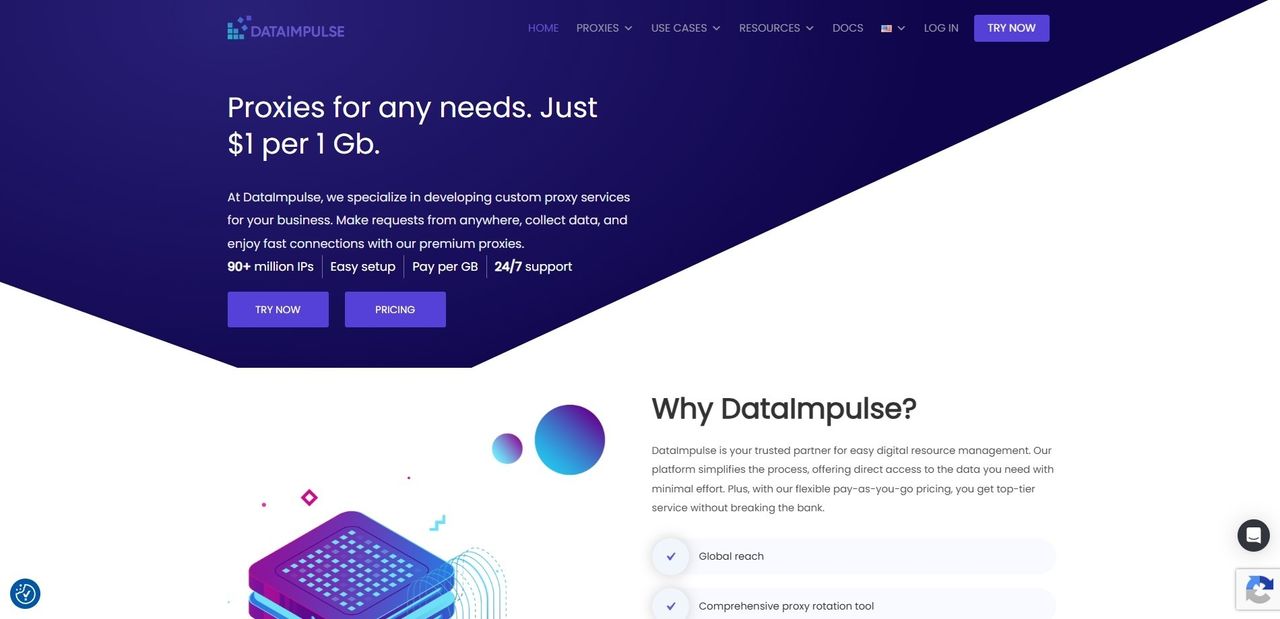
A relative newcomer in the industry, DataImpulse has grabbed a slice of the proxy pie thanks to its wallet-friendly, high-performing service. From more than 90 million ethically-sourced residential IPs across 195 locations to mobile and datacenter proxies, users gain access to a speedy and reliable global network.
The company specializes in creating custom proxy services for businesses, though individual users who aim to access data from anywhere and collect the information they need will have no problem finding something for themselves.
Arguably, the biggest selling point is a highly competitive, pay-as-you-go pricing model with traffic that never expires. DataImpulse throws in free country-level targeting for every plan (more granular targeting options are also available), and full support for HTTP, HTTPS, and SOCKS5 proxy protocols across all of its proxy networks.
Plans and Pricing
DataImpulse operates on a transparent pay-as-you-go model where traffic never expires. In case you’re unfamiliar with the concept, the bandwidth you buy here is yours until your scrapers actually consume the bytes, whether that takes days or months.
The price structure is based on the type of proxy and the amount of traffic.
For instance, residential proxies start at a flat $1 per GB for a 5GB starter block, and go up to 50GB at the same dollar-to-gigabyte ratio. If you ramp up your scraping to the Advanced tier, the cost drops down to $0.80 per GB for an 800GB package, with custom enterprise pricing scaling down even further for terabyte-scale deployments – though you’ll have to pony up at least $4000 for the option.
Datacenter proxies start at a mere $0.50 per GB for new users, slipping down to $0.45 per GB when upgrading to a larger $450 volume pool. Once again, you can get a custom price per gigabyte.
Gaining access to mobile proxies kicks off at $2 per GB for the entry-level 5GB option. The price goes down to $1.6 per GB for bulk operations, with custom pricing available for truly massive projects.
Finally, premium residential proxies will set you back $5 per GB via 1GB and 10GB plans. And yes, there is a custom option too with a $20k starting point.
It’s worth mentioning that DataImpulse doesn’t play favorites with its plans. Each includes free country-level geo-targeting, rotating and sticky sessions, HTTP(S) and SOCKS5 support, full programmatic API access, 24/7 support, and unrestricted concurrent threads. There are no overage penalties or hidden connection fees, which means your infrastructure bill will match your actual code execution down to a T.
Features
If you decide to give DataImpulse a go, your first step will be to register, either the old-fashioned way or through your Google, GitHub, or LinkedIn profile. A classic dashboard layout will greet you, where all the important stuff is located in the left sidebar.
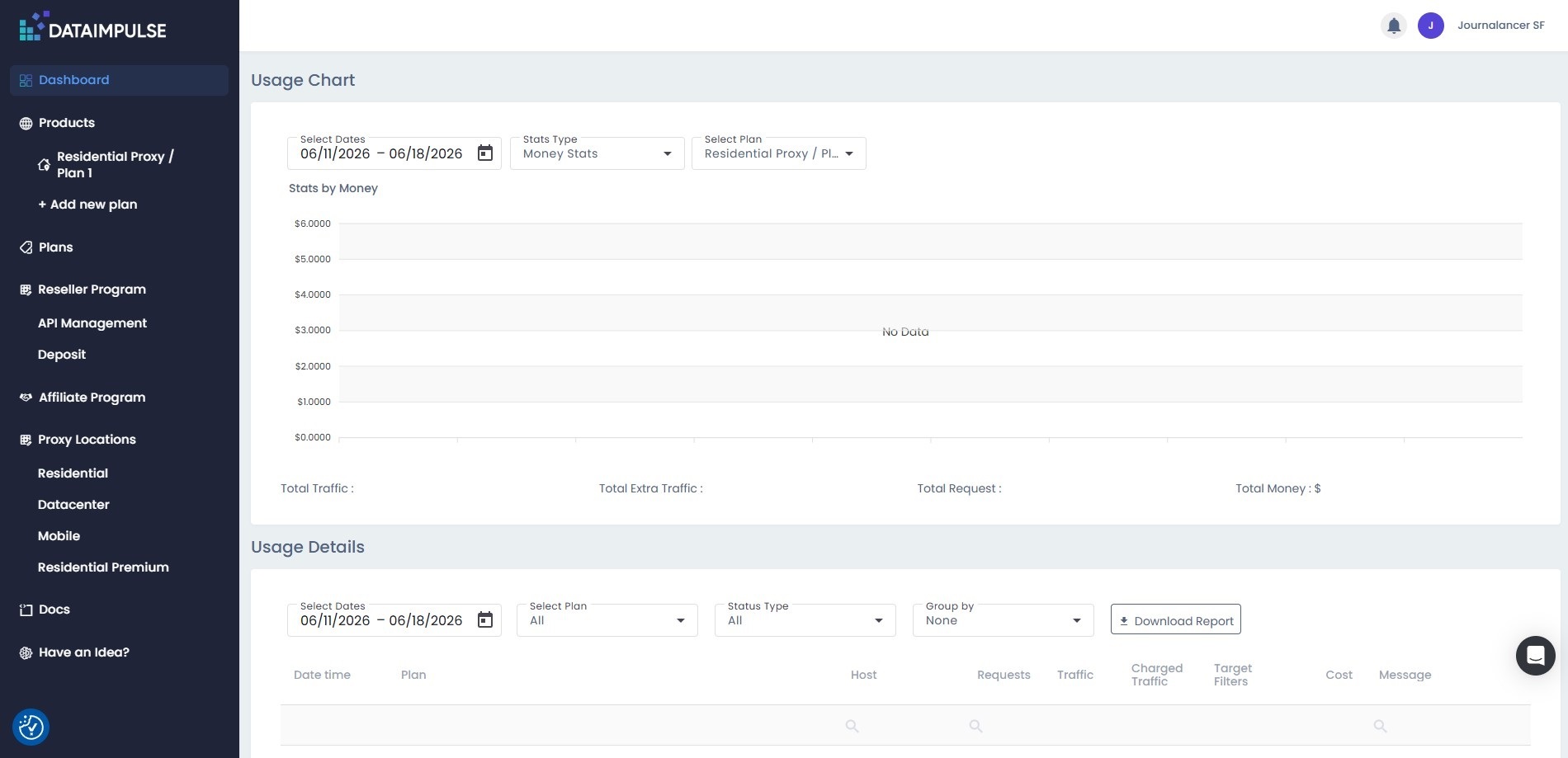
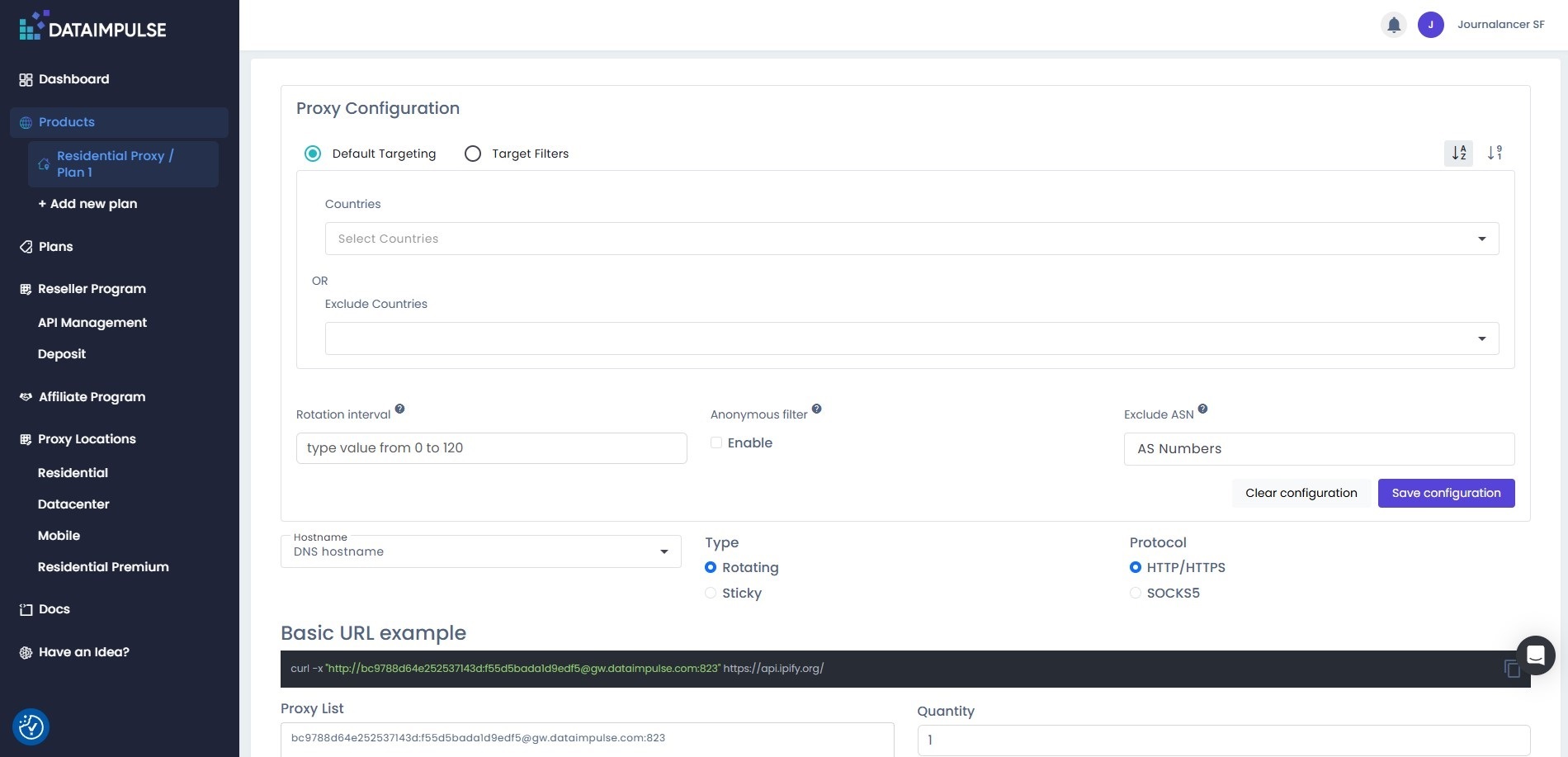
The usage chart and details will be your starting point. Once you settle on a plan, you can begin with the proxy configuration by setting the targeting options down to the ASN (Autonomous System Number) and IP rotation interval, which you can save altogether as a dedicated configuration.
You have to choose between a sticky or rotating proxy, as well as the protocol in charge. Sticky proxies are port-based (IP addresses are bound to a specific port for a specific timeframe), and the rotation interval can range from 1 to 120 minutes. Rotating proxies change the IP address automatically with each new request.
From here, it’s also possible to top up your balance by choosing the number of GBs you want to add in the event you need more traffic.
Here’s a more detailed look at DataImpulse’s offering:
Residential proxies
Arguably the workhorse of the platform, the standard residential proxy pool provides on-demand access to a sizable footprint of over 90 million active IP addresses across 195 countries. DataImpulse proudly markets its pool as entirely ethically sourced, which means all nodes join the network legally and transparently.
As a result, the IPs maintain a pristine reputation score and are drastically less likely to be blacklisted by major CDN platforms. In other words, when your script routes data through these nodes, target web servers view the connection as an ordinary home user browsing a site, rather than an automated bot. In our tests, residential proxies delivered a consistently high scraping success rate.
Premium residential proxies
DataImpulse labels these as ultra-responsive IP addresses with minimal latency that deliver better reliability and security compared to regular residential proxies. So, you should see faster connection speeds and more precise geo-targeting, especially considering you get full customization options to tweak your scripts.
Moreover, upgrading to the premium residential line significantly reduces the risk of encountering unexpected access blocks or sudden CAPTCHAs. Since this is a premium offering, it includes additional operational perks, such as a dedicated account manager to help optimize your efforts and resolve any doubts or issues.
Datacenter proxies
When targeting open public directories or basic landing pages (basically, anything that isn’t buffed up with sophisticated anti-bot frameworks), residential IPs can be an expensive overkill. To that extent, DataImpulse offers 20 million datacenter IPs in 195+ countries to tide you over in a cost-efficient manner.
With a response time of less than 100 milliseconds and the fact that these IPs connect directly to high-speed enterprise data systems, this tier is built for pure speed and instances where you need to process thousands of requests per second. You can also configure your IP address to be active for up to 30 minutes.
Mobile proxies
For the most challenging anti-bot systems, like social networks or review platforms, DataImpulse provides rotating and sticky mobile proxies. Pulling from a pool of over 16 million real 3G, 4G, 5G, and LTE cellular towers across 195 locations, these carry a distinct security advantage due to the same public-facing IP to thousands of mobile devices simultaneously.
Hence, web firewalls seldom block a mobile IP address outright since doing so would mean blocking hundreds of legitimate human users on that cell tower network. The largest pool of DataImpulse’s mobile IPs is in India (1.57 million), Saudi Arabia (444k), Italy (257k), Morocco (239k), while the United States is covered with 129k IPs. You can have a single address remain active for up to two hours.
Traffic that never expires
Perhaps the defining USP separating DataImpulse from a chunk of its competitors is the fact that your purchased pay-as-you-go traffic never expires.
In most cases, you’ll wind up with monthly billing subscriptions or restrictions on how long your traffic is valid for. If you have unused bandwidth, it’s gone for good. With DataImpulse, it remains completely active until your crawlers actively consume the bytes. Having peace of mind that you can use data as long as you need without worrying about losing access makes the model a great fit for small businesses and dev teams with limited budgetary and operational width.
Scraping
Unlike some of its peers, DataImpulse leans heavily into a developer-first, DIY network architecture. This means there is no web scraping API, as the vendor’s focus is solely on providing raw proxy connections, rather than managed scraping tools. You must write your own code to manage requests, parse the HTML, handle retries, and bypass CAPTCHAs.
On the plus side, such a model brings financial and structural flexibility for teams writing custom data collectors. By routing scripts through DataImpulse’s proxy layer, they can plug the proxies directly into any automation framework or headless browser engine using basic credentials or token structures.
In that regard, DataImpulse provides a Gateway API to programmatically manage, authenticate, and automate the provisioning of their global proxy pools. From there, you can dynamically generate proxy lists, rotate IP addresses, track bandwidth consumption and request volumes, programmatically set advanced targeting filters, and more.
There are also comprehensive integration blueprints for popular developer frameworks and third-party apps. Some of these include Scrapy, Puppeteer, Selenium, Shadowrocket, Multilogin, AdsPower, Playwright, and Zapier, to name a few. The platform also provides short code snippets for Python, Node.js, PHP, C#, Go, Ruby, and cURL to set up proxies. All of the above is neatly documented with built-in support and code examples.
Advanced geo-targeting and session controls
Country-level geo-targeting across all 195 covered regions is built natively into the base $1/GB price floor with zero add-on activation fees. For more accurate data parsing, there are State, City, ZIP code, and ASN filter toggles.
When it comes to rotating sessions, the DataImpulse gateway dynamically inserts a randomized IP address on every network request your scraper submits. For standard HTTP/HTTPS traffic, you simply point your scripts to gw.dataimpulse.com on port 823. In case your stack relies on the more robust SOCKS5 protocol to handle raw TCP tunnels or high-performance scraping, you use port 824.
For situations where your code requires session continuity (like managing a social profile or handling account-tied logins), you can bind your traffic to a dedicated port range anywhere from port 10000 through 20000. Doing so locks a single IP address to your active thread for up to 120 minutes, though the system gracefully defaults to a 30-minute window if no interval is set.
Ease of Use
There’s not much to say here. Most importantly, the dashboard allows you to move effortlessly around via a single-page command center tailored for fast deployment. That said, the arrangement of certain sections could be better.
For starters, the section ‘Resources’ that features the onboarding guide is tucked away in the upper right corner of your respective plan, instead of being the first thing you see. The same place holds the links for documentation and tutorials.
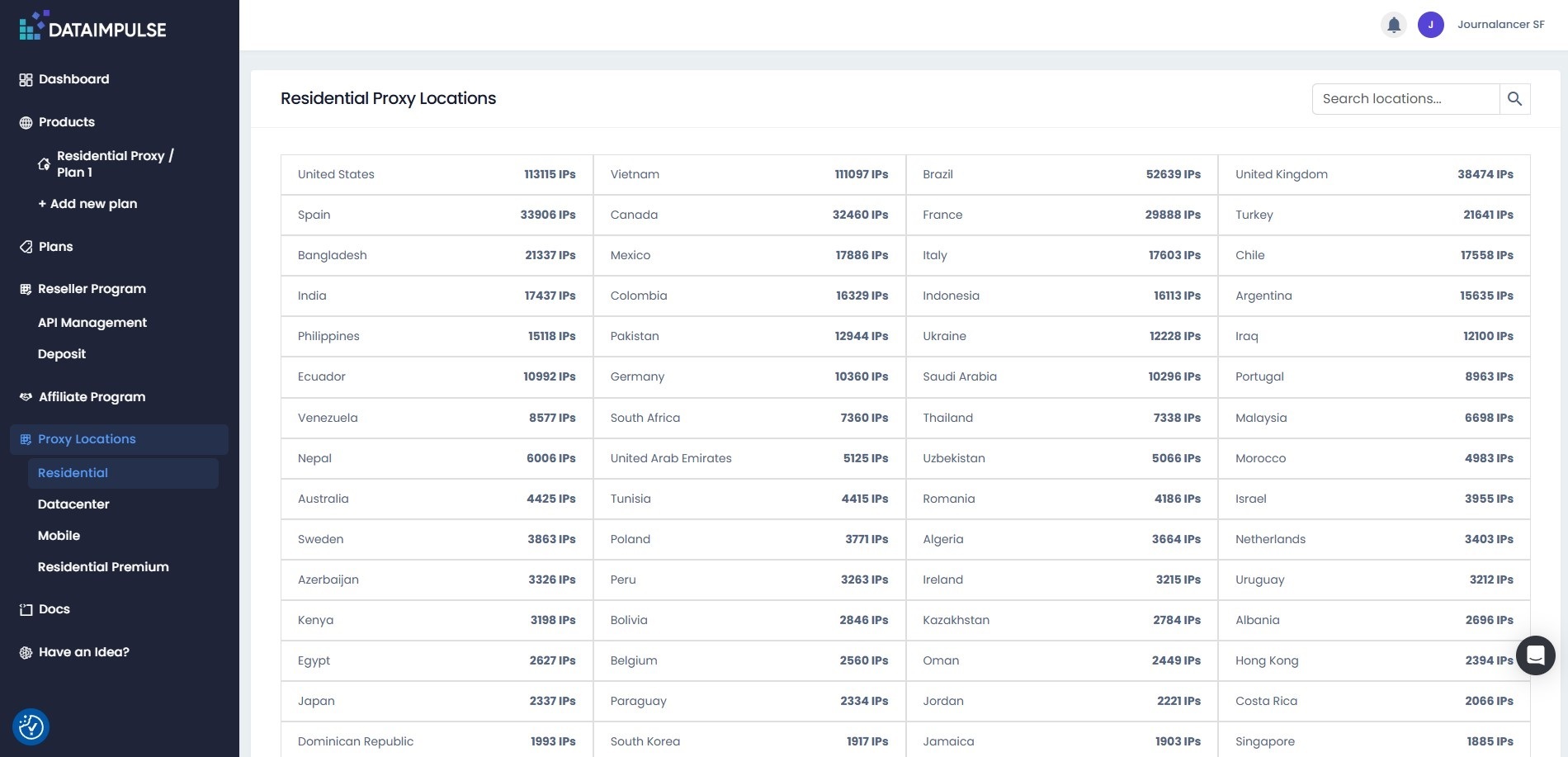
Then, the ‘Proxy Locations’ section provides a table overview of supported countries for each of the four types of proxies available on DataImpulse. There’s no additional functionality or details to it, which feels like a missed opportunity.
Acting as a de facto homepage, there is a filterable real-time line chart that plots your request volume across custom date ranges and breaks down traffic metrics by total requests, charged traffic, and total spend.
The dashboard also logs individual session activity in an audit table showing the timestamp, targeted host, consumed traffic, and error/success states, with the option to export this data directly to a CSV report.
In terms of generating your target connection parameters, the dashboard provides a straightforward copy-paste system where you can grab your master username and password strings.
You can also manage whitelisted IPs via a simple menu. Just save your scraping server’s public IP address within your dashboard profile, and the gateway will automatically recognize your incoming traffic tunnels, thus shaving valuable milliseconds off your script’s execution times.
Customer Support
One of the things DataImpulse singles out is its 24/7 personalized, human support. The company proudly mentions that you’ll get an answer in under 3 minutes, courtesy of an ever-present chat icon in the lower right corner. Our experience was no different – we got a tidy reply in less than a minute.
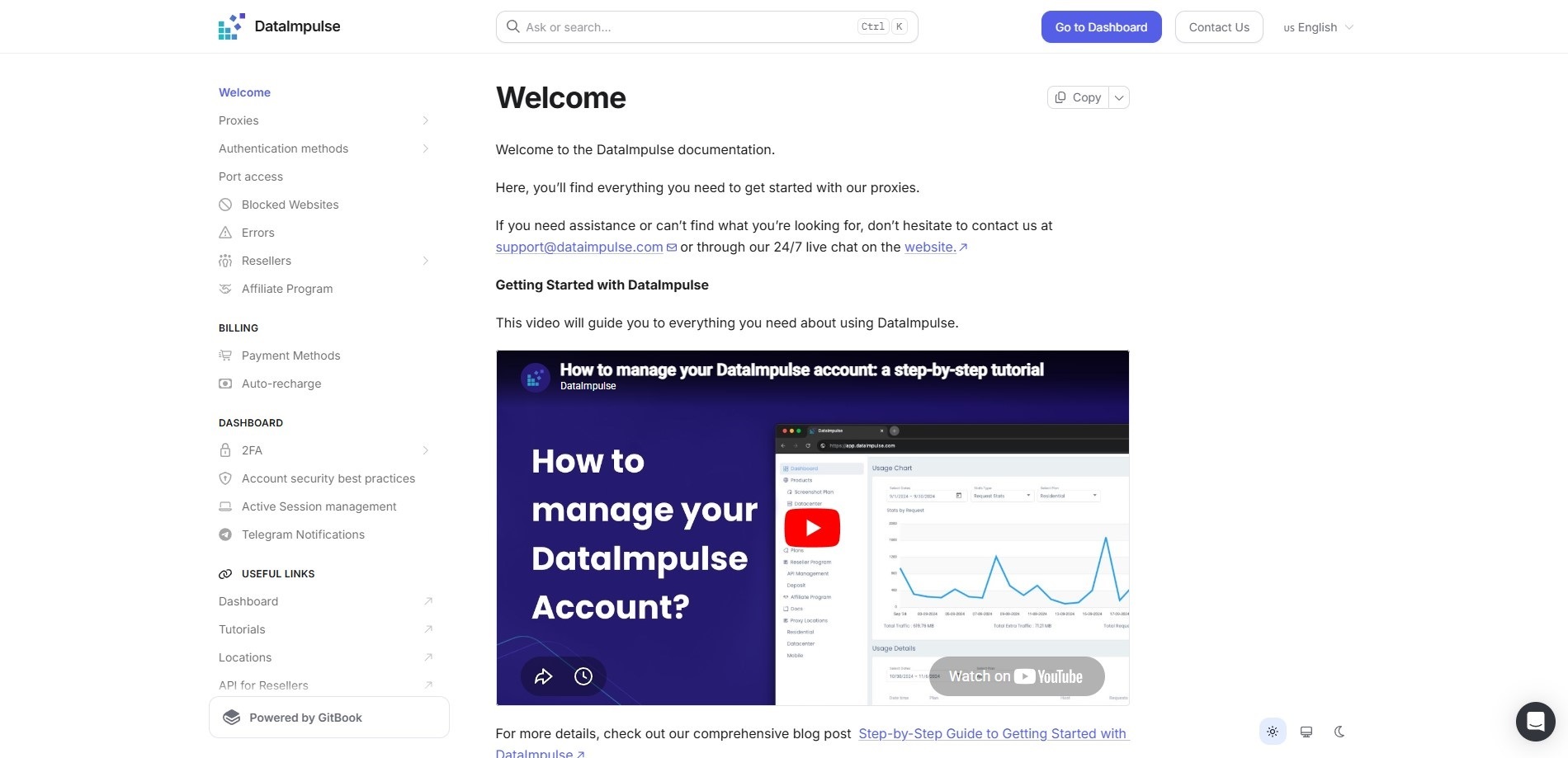
If you prefer self-service support, the company provides a thorough Documentation page. Here, you’ll find various technical reference materials, API endpoints, authentication methods, and basic proxy setup instructions.
Covering the more practical elements is the Tutorials page. It acts as an extensive step-by-step engineering handbook, packed with detailed screenshots, videos, configuration blueprints, and copy-pasteable code snippets for integrating proxies across dozens of operating systems, scraping frameworks, and headless browsers.
For customers deploying huge data operations at the custom enterprise level, DataImpulse boosts its support to include dedicated account managers and custom feature engineering tailored specifically to the customer’s unique data requirements.
The Competition
Truth be told, proxy services are tough competition. DataImpulse has robust providers like Bright Data, Oxylabs, and Decodo playing in the same field, though its unexpiring pay-as-you-go traffic and a highly disruptive $1 per GB residential proxy baseline certainly make it stand out. Nonetheless, the main problem is a lack of out-of-the-box software tools or any sort of target templates, leaving all the coding execution to your team.
Final Verdict
If anything, DataImpulse proves you don’t have to pay a premium to get access to a reliable and ethically sourced proxy network. In no small part thanks to its price tag and data that never expires, the company has created an accessible, developer-first platform that is finely tuned to the needs of individual developers, startups, dev squads, and growing small businesses.
So, if you have the know-how and are looking to drastically slash data collection costs, DataImpulse will more than suffice. But, if you’re not much of a technical user and require a fully managed, hands-off scraping solution, it will likely be too bare-bones for your liking.
- Take a look at our guide to the best proxy services
“}]]
 Can Dataimpulse’s feature set and reliability compete with the industry’s biggest names? Read More Latest from TechRadar US in Reviews