
[[{“value”:”
I was standing in a hotel lobby in Lyon trying to figure out why my travel eSIM had dropped to edge speeds. The provider’s app showed I had 8GB left. The problem was I had no idea which network I was actually on, because the plan page never told me.
That sent me down a rabbit hole of eSIM providers that show you the carrier before you buy. Most don’t. SIMOptions does. On most of its European plan pages, you can see whether you are buying Orange, Bouygues Telecom, or O2 before you enter your card number. That little detail is more important than it sounds.
If you have ever crossed into rural France and watched your signal disappear, you know that “Europe data” is not a real answer. The network behind the plan is.
- Want more options? Take a look at our best eSIMs for international travel
Why SIMOptions feels different
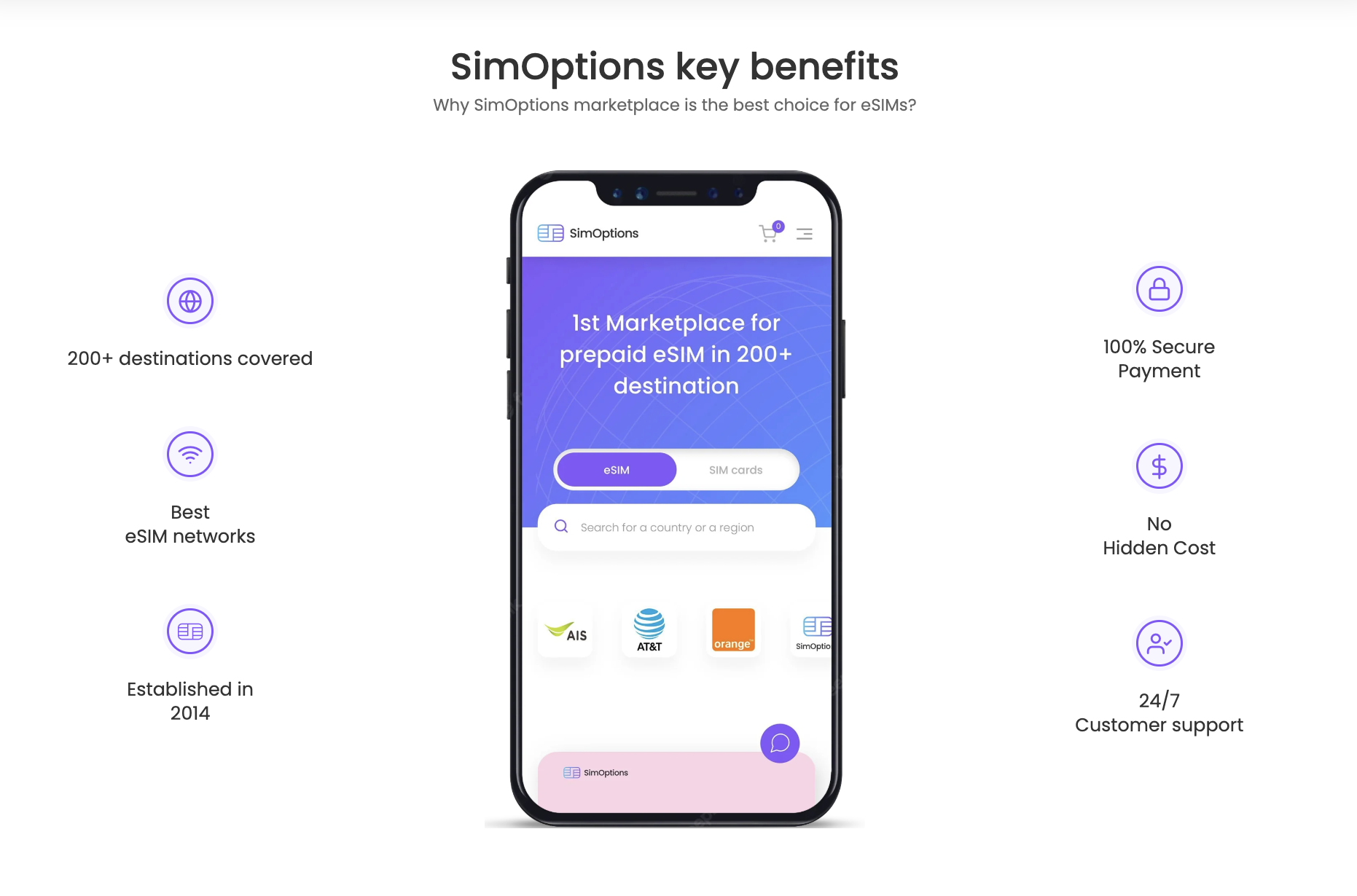
SIMOptions works best when you think of it as a storefront for carrier tourist SIMs, not just another data-only eSIM app. When you buy Holiday Zen, you are buying an Orange tourist eSIM. When you buy a My European plan, you are on Bouygues Telecom.
The carrier name appears on the plan page before you pay.
That matters if you care about coverage. If you know Orange performs better in rural France than a generic regional eSIM, you can act on that knowledge here.
You get a real phone number
Select Orange and Bouygues plans include a real French +33 mobile number. The O2 Go Card includes a Czech +420 number. These are SIM-based numbers on carrier networks, not VoIP lines or temporary virtual numbers. A real number helps, but it does not guarantee every OTP will land. Some banks block codes sent to foreign numbers. Still, a carrier-issued number is more useful than a data-only eSIM if you regularly need to receive SMS abroad.
The tradeoff
Carrier rules apply to these plans. Orange’s ID registration requirement kicks in after 30 days. Bouygues top-ups may be limited to France. If an issue starts at the carrier level, SIMOptions has to work through that carrier’s team, which adds time.
SIMOptions is not trying to be a simpler Airalo. It is the better choice for travelers who want carrier transparency, a real European phone number, or hotspot access without a daily cap. If you just need cheap data for a short trip, a simpler app will serve you faster.
SIMOptions: Pricing and plans
SIMOptions sells three types of plans worth knowing:
- Own-brand data plans: SIMOptions’ own eSIMs.These are data-only and do not include a phone number. They are usually the cheaper option for basic trips.
- Number-included carrier plans: Select Orange and Bouygues plans include a +33 French number with EU calls/SMS. The O2 Go Card includes a +420 Czech number and a small amount of prepaid call/SMS credit.
- Regional bundles: Multi-country plans covering Europe, Asia, North America, and beyond.
Europe Plans (as of June 2026)
|
Plan |
Carrier |
Data |
Calls & SMS |
Validity |
Price |
|
Europe 5GB |
SIMOptions |
5GB (4G) |
No |
30 days |
$9.90 |
|
Travel Basic |
Bouygues |
15GB (5G) |
No |
15 days |
$15.90 |
|
Go Card 10GB |
O2 |
10GB (4G/5G) |
Yes (~$2 credit) |
30 days |
$21.90 |
|
Travel Basic+ |
Bouygues |
20GB (5G) |
Yes (EU unlimited) |
15 days |
$23.90 |
|
Europe Unlimited 7 Days |
SIMOptions |
Unlimited (4G) |
No |
7 days |
$24.90 |
|
Holiday Zen |
Orange |
20GB (4G) |
Yes (EU unlimited + 30 mins intl) |
31 days |
$28.90 |
|
Go Card 20GB |
O2 |
20GB (4G/5G) |
Yes (~$2 credit) |
30 days |
$29.90 |
|
My European eSIM 30GB |
Bouygues |
30GB (5G) |
Yes (EU unlimited) |
30 days |
$32.90 |
|
My European eSIM 60GB |
Bouygues |
60GB (5G) |
Yes (EU unlimited) |
30 days |
$39.90 |
|
Europe Unlimited 14 Days |
SIMOptions |
Unlimited (4G) |
No |
14 days |
$39.90 |
|
Holiday Europe |
Orange |
50GB (4G) |
Yes (EU unlimited + 2 hrs intl) |
31 days |
$49.90 |
|
Holiday Europe 100GB |
Orange |
100GB (5G) |
Yes (EU unlimited + 2 hrs intl) |
31 days |
$55.90 |
|
My European eSIM 120GB |
Bouygues |
120GB (5G) |
Yes (EU unlimited) |
30 days |
$55.90 |
Prices shown are promotional as of July 2026. Check simoptions.com before purchasing.
For the US, SIMOptions offers plans that run on AT&T and T-Mobile. These are data-only and do not include a phone number.
- On hotspot: SIMOptions advertises hotspot/tethering as fully allowed on its Europe plans. This is useful if you need to connect a laptop, tablet, or another phone while traveling. That gives it an advantage over Holafly’s Europe eSIM, which does not allow hotspot or tethering. For resold carrier plans outside the main Europe lineup, check the plan page before buying.
- On refunds: Refunds are only available if the eSIM cannot be activated due to a verified technical issue with SIMOptions or its telecom provider. Buying the wrong plan, using an incompatible device, entering the wrong email address, or changing your mind does not usually qualify.
SIMOptions: What you get with a local number
Most travel eSIMs are data-only. Airalo’s Europe regional plans, standard Holafly destination eSIMs, and SIMOptions’ own-brand plans all fall into this category. You get internet and not a phone number.
That gap matters more than people expect. I learned this the hard way when an Airbnb host in Paris kept trying to reach me by SMS to share a door code. My data-only eSIM was fine. My inbox was empty. I only got the code because I had kept my home SIM active in the second slot.
The number-included plans on SIMOptions fix this. The Orange Holiday and Bouygues My European plans come with a real French +33 mobile number. The O2 Go Card includes a Czech +420 number.
These are SIM-based numbers on actual carrier networks, not VoIP lines or temporary virtual numbers. They can receive regular incoming SMS, hotel confirmation codes, bank OTPs, and app verification texts. Orange and Bouygues plans also cover calls within Europe.
International calls outside Europe are metered across all plans:
- Holiday Zen: 30 minutes
- Orange Holiday Europe (50GB and 100GB): 2 hours
- O2 Go Card: small prepaid credit of around $2
You can also register a new WhatsApp account using the +33 or +420 number, which is useful if local contacts need a European number to reach you.
That said, OTP delivery is not guaranteed.
A few things worth knowing before you rely on it:
- Some banks block verification codes sent to foreign numbers entirely
- Your home bank will keep routing OTPs to the number already on file, regardless of which eSIM you are using
- For anything critical, keep your home SIM active in a dual-SIM slot or switch to app-based authentication before you leave
SIMOptions: Installation and activation
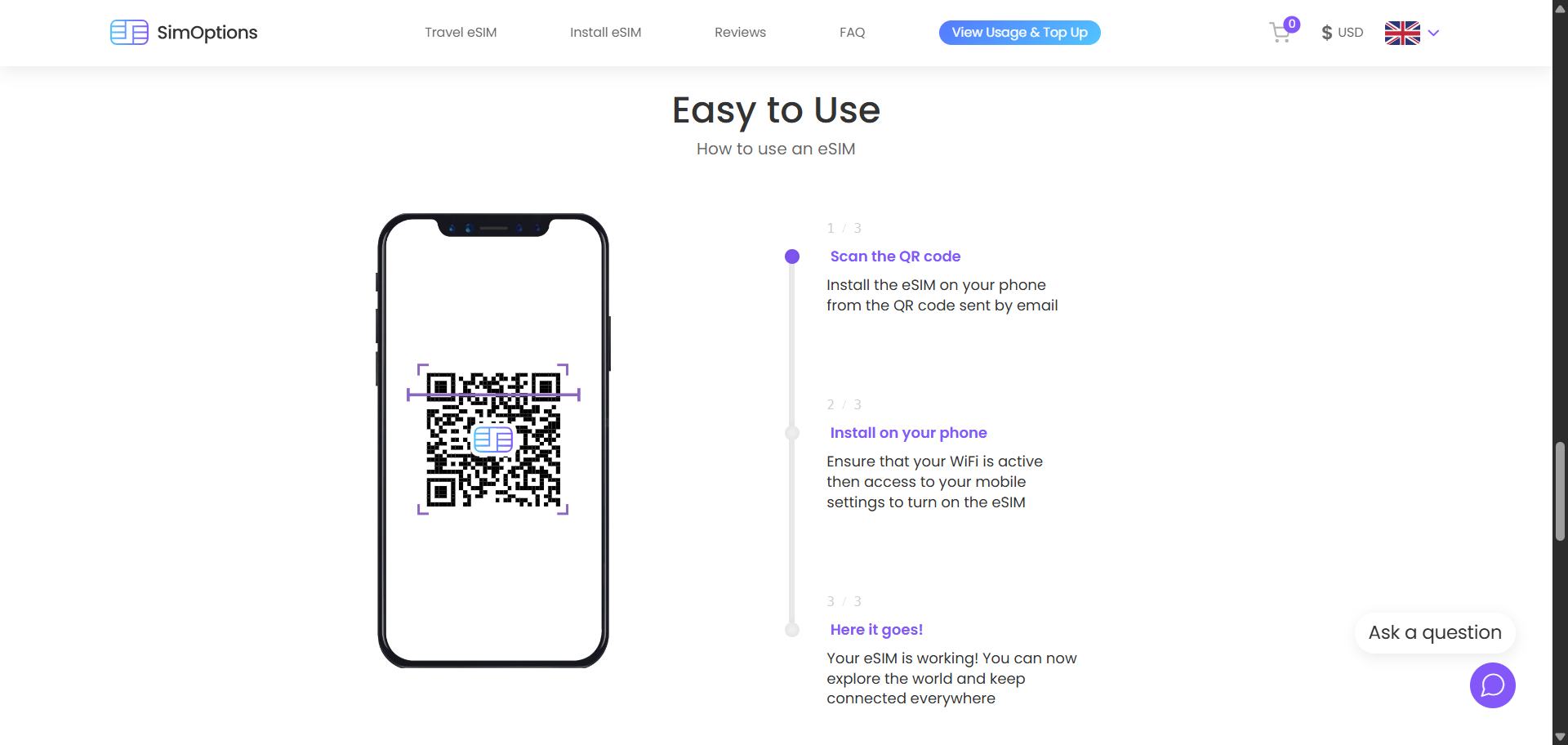
Setup is faster than most travel eSIM providers. You choose your plan and go straight to checkout, and the QR code arrives by email within minutes.
Here’s how you can do it:
- Receive the QR code by email
- Install the eSIM according to the plan’s activation rule.
- Activate it when you land and connect to a local network
Check the activation rule on your specific plan before installing. Some SIMOptions plans activate only when you connect at your destination, while others activate immediately after installation. If your plan activates on installation, install it after you arrive or just before travel.
Install over Wi-Fi rather than mobile data to reduce the risk of activation issues. Once active, turn off automatic data switching so your phone doesn’t fall back to your home carrier’s roaming rates without you noticing.
SIMOptions: Compatible devices
SIMOptions works on any eSIM-compatible, carrier-unlocked phone. Most global devices released after 2019 qualify. SIMOptions’ compatibility list is broader than its FAQ, but still not perfect. It includes recent models from Apple, Samsung, Google, and Motorola, yet regional variants still need to be checked.
To check eSIM support, dial *#06# on your phone. If an EID number appears, the hardware supports eSIM, but that only confirms hardware capability.
A phone under a financing contract will show an EID and still block a foreign eSIM from activating. On iPhone, go to Settings > General > About and confirm the Carrier Lock field reads “No SIM Restrictions.”
|
Brand |
Compatible Models |
Notes |
|
Apple |
iPhone XS/XR onward |
China, Hong Kong, and Macau variants not compatible. US models from iPhone 14 onward are eSIM-only. |
|
Samsung |
Galaxy S20 and later, Z Fold, Z Flip |
Some US and Korean models not compatible. |
|
|
Pixel 3 and later |
Some regional variants not compatible. |
|
Huawei |
P40, P40 Pro, Mate 40 Pro |
P40 Pro+ and all P50-series models do not support eSIM. Non-China-purchased units only. |
|
Motorola |
Razr and Edge series (select models) |
Region-dependent. |
|
Others |
Oppo, Sony Xperia, Xiaomi (select models) |
Check the compatibility page before purchasing. |
Your phone also needs to be carrier-unlocked. Contact your carrier if you’re not sure.
SIMOptions: Customer support
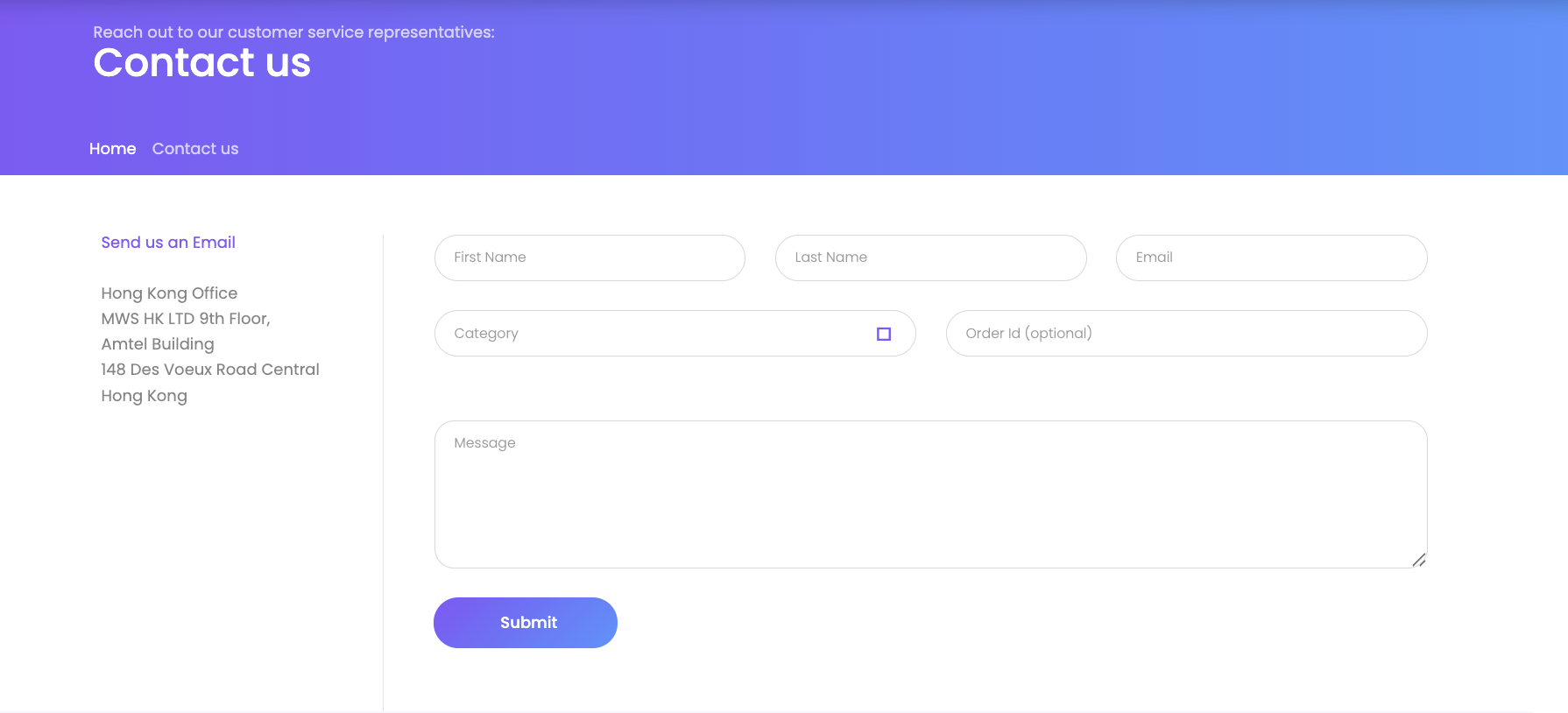
Support is reachable, but it takes some patience. You have live chat on the site and email at contact@simoptions.com. The live chat widget is the faster option in theory, but it can take a while to load (not great when you are standing somewhere with no data and a non-working eSIM).
Here is the part most people miss: there is a phone line at +1 646 586 2166. It is not plastered on the homepage, but it exists. If chat is being slow and the issue is urgent, just call. It will save you 20 minutes of waiting on a chat response.
One thing to keep expectations realistic on: if your issue started on the carrier side, SIMOptions has to go through that carrier’s team to fix it. That is not a SIMOptions failure exactly, but it does mean resolution takes longer than you would want.
SIMOptions: Final verdict
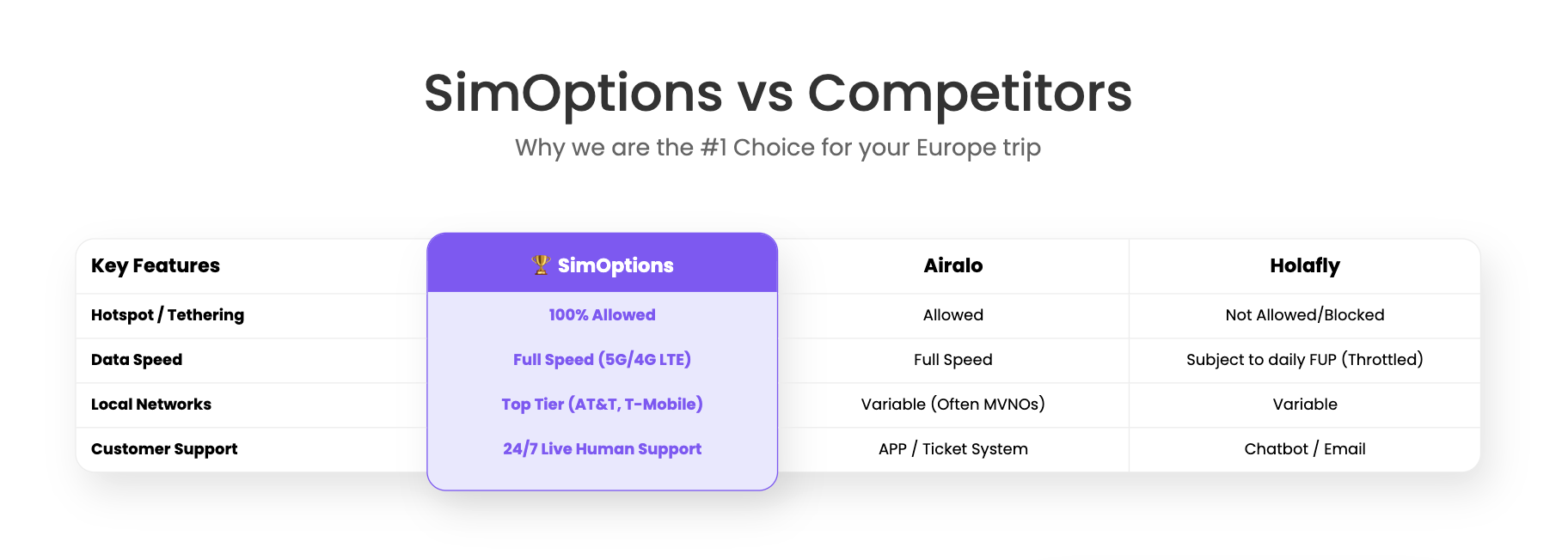
SIMOptions is not the simplest travel eSIM provider, but it solves a problem many others avoid: calls and SMS. If you need a real local number in Europe, SIMOptions is one of the strongest options. The pricing is fair for what you get, and the carrier transparency is useful. Being able to see names like Orange, Bouygues, O2, AT&T, and T-Mobile before buying makes the service feel more predictable than many generic travel eSIMs.
The main downside is choice overload. SIMOptions has a large catalog, and the differences between plans are not always obvious at first glance. You need to check the carrier, activation rule, phone number support, hotspot policy, and top-up option before buying.
Use SIMOptions if you need a real local number in Europe, want to know which carrier you are buying, or need a hotspot without a daily cap. Choose Airalo for the simplest data-only experience. Choose Holafly if unlimited data matters more than hotspot use or calls/SMS.
SIMOptions: FAQs
Does SIMOptions provide a real phone number?
Yes. SIMOptions gives you a real local phone number on select carrier plans. The Orange Holiday and Bouygues My European plans include a carrier-issued +33 French mobile number. The O2 Go Card includes a +420 Czech number. Data-only plans (including SIMOptions’ own-brand plans) do not come with a number.
Can I receive OTP codes abroad with SIMOptions?
Yes. On number-included plans. The Orange and Bouygues carrier plans use actual SIM-based numbers that receive SMS, including one-time codes from banks and apps. Note that your home bank will still send OTPs to your home number on file. Keep your home SIM active or switch to app-based authentication to handle those. Not every service accepts codes sent to non-home-country numbers, so test before depending on it for anything critical.
Does SIMOptions work with WhatsApp?
Yes. If your plan includes a local number, you can register WhatsApp with it. Otherwise, your existing WhatsApp account works normally over mobile data. On a number-included plan, you can register a new WhatsApp account using your +33 or +420 number. WhatsApp sends a verification code, you enter it, and the account is live.
Can I make calls with SIMOptions?
Yes, you can make calls with SIMOptions on number-included carrier plans. Orange and Bouygues plans with a phone number include calls within Europe. International calls (Europe to the US, for example) are metered. The Holiday Zen includes 30 minutes. The 50GB Orange plan includes two hours. The O2 Go Card includes a small credit of around $2.
What happens when I run out of data?
If you run out of data you can top up through the SIMOptions app, on supported plans. Orange Holiday and Bouygues plans generally allow top-ups. Some own-brand plans don’t, so check before buying if you expect to need more data mid-trip.
Do I need to verify my identity to buy a SIMOptions eSIM?
No. There’s no sign-up or ID required at checkout. One exception: French law requires Orange lines to be registered with ID within 30 days of use. For trips under a month, this usually will not affect you because the deadline falls after most short trips end. Bouygues and O2 plans have no such requirement.
What is the refund policy?
Refunds are only given if the eSIM fails to activate because of a verified technical fault on SIMOptions’ side. Once the QR code has been emailed to you, there are no refunds for buying the wrong plan, using an incompatible device, or changing your mind.
“}]]
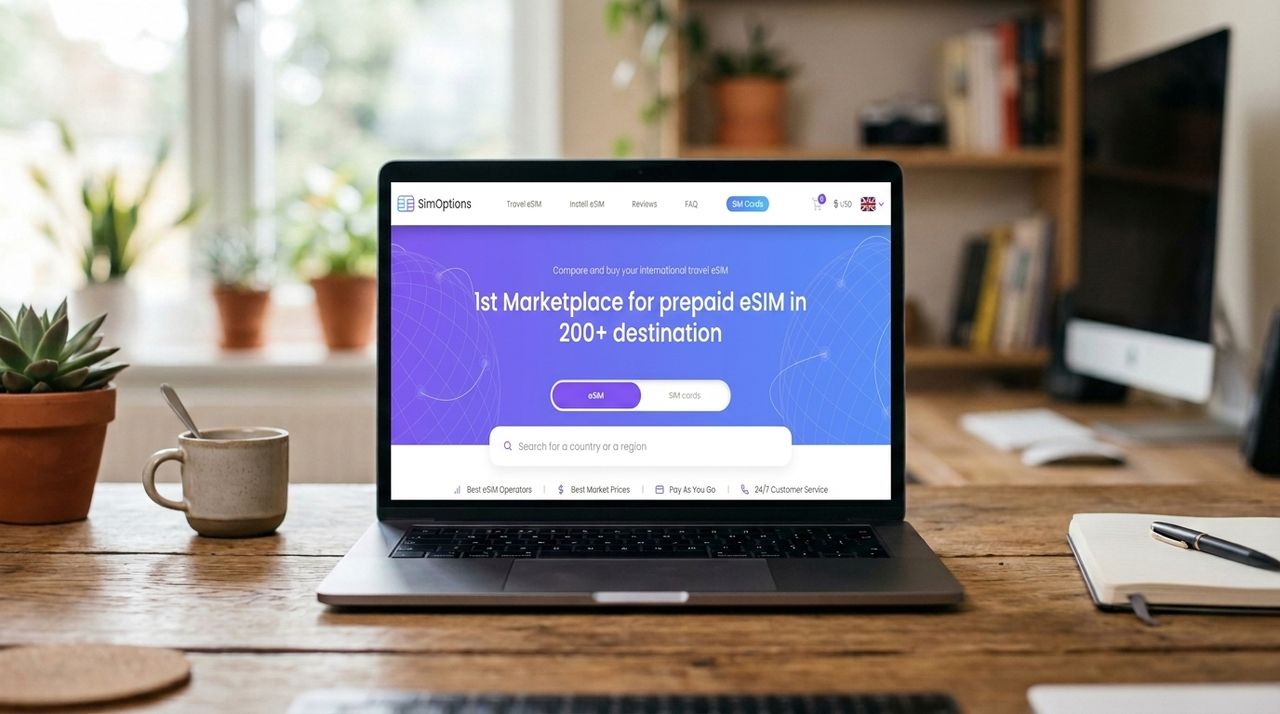 SIMOptions is one of the most affordable eSIMs right now. It also offers good coverage across 200+ countries. But the customer support can do much better. Read More Latest from TechRadar US in Reviews