
[[{“value”:”
Utility apps for Mac abound, each pledging to keep your machine running smoothly. Some focus purely on junk removal, others on app management, and still others on malware protection. The challenge has always been that covering all of those bases typically means juggling several tools at once.
CleanMyMac X, developed by MacPaw, has long aimed to solve that problem in a single package, and the app has grown considerably since its early days as a cleanup-focused utility. Today, it bundles system optimization, application management, file tools, and a full Protection module into one interface. That Protection module, powered by MacPaw’s Moonlock Engine, targets macOS threats such as adware, spyware, and cryptocurrency miners, while a companion privacy suite handles browsing history, chat logs, and app permission management.
It’s a more complete offering than it once was, and it faces a more competitive field. Tools like CCleaner for Mac, MacKeeper, Cleaner One Pro, and Nektony App Cleaner and Uninstaller each chip away at parts of what CleanMyMac X offers, at varying price points and with varying degrees of depth. Whether CleanMyMac X justifies its premium position in that market is exactly what this review sets out to answer.
Plans and pricing
CleanMyMac X is available through a yearly subscription or one-time purchase. The former gives you unlimited access to major updates, while the latter will require paying upgrade fees. The one time purchase currently starts at $119.95 for one Mac.
Subscription prices start at $39.95 for one Mac, scaling up through to $63.95 and $127.95 for two and five Macs respectively. You’ll also find discounts when more than one license is purchased at a time. You can also download a free trial from the CleanMyMac X website.
Like other recently reviewed apps, including Canary Mail and Newton, CleanMyMac X is also part of the Setapp subscription plan, which gives you more than 230 Mac and iOS apps for $9.99/month.
Features
CleanMyMac X has evolved over the years and now includes multiple tools grouped under five broad categories: Cleanup, Protection, Speed, Applications, and Files. Running any of the tools takes no more than just a few clicks making it one of the easiest to use Mac apps on the planet.
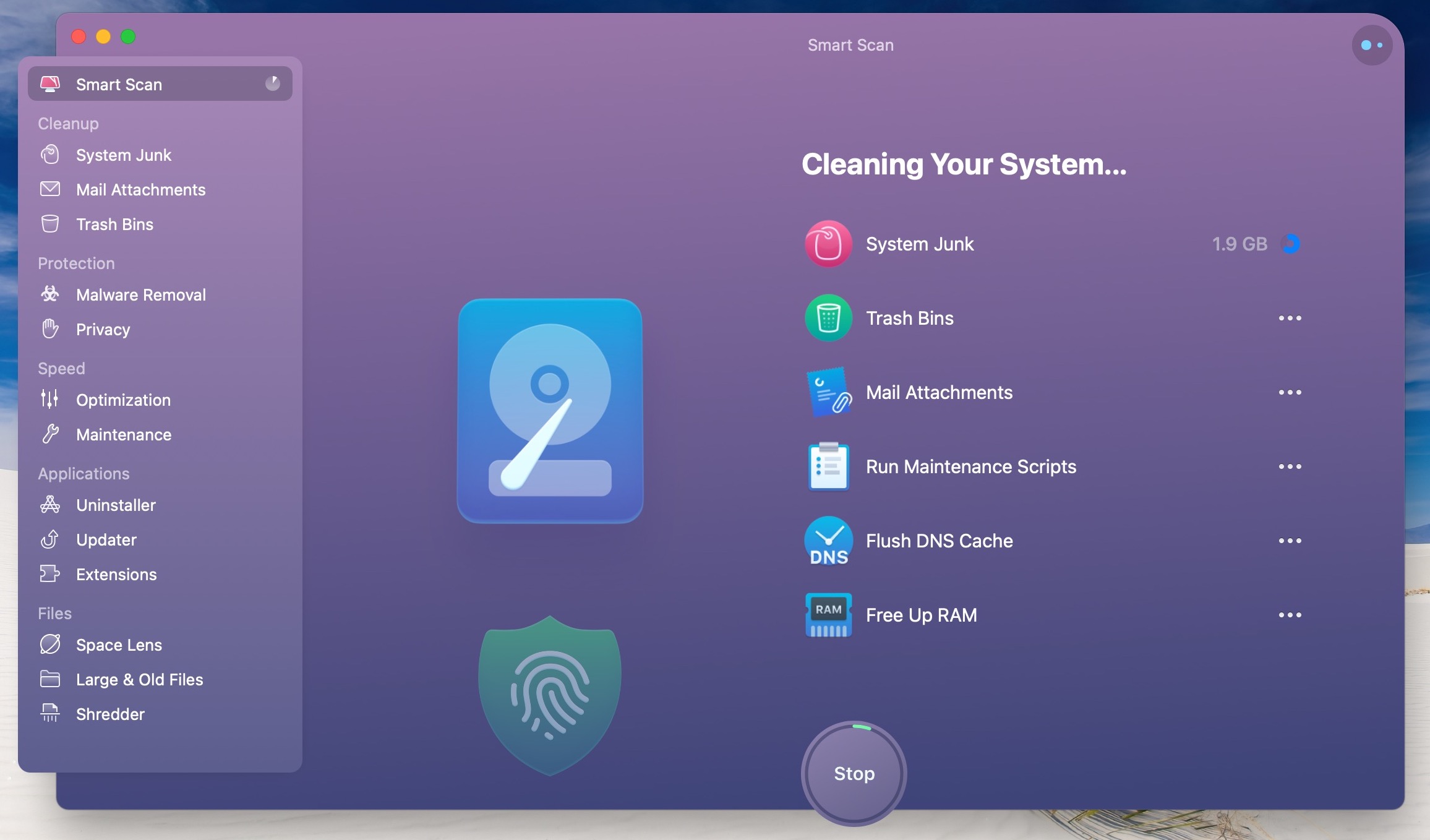
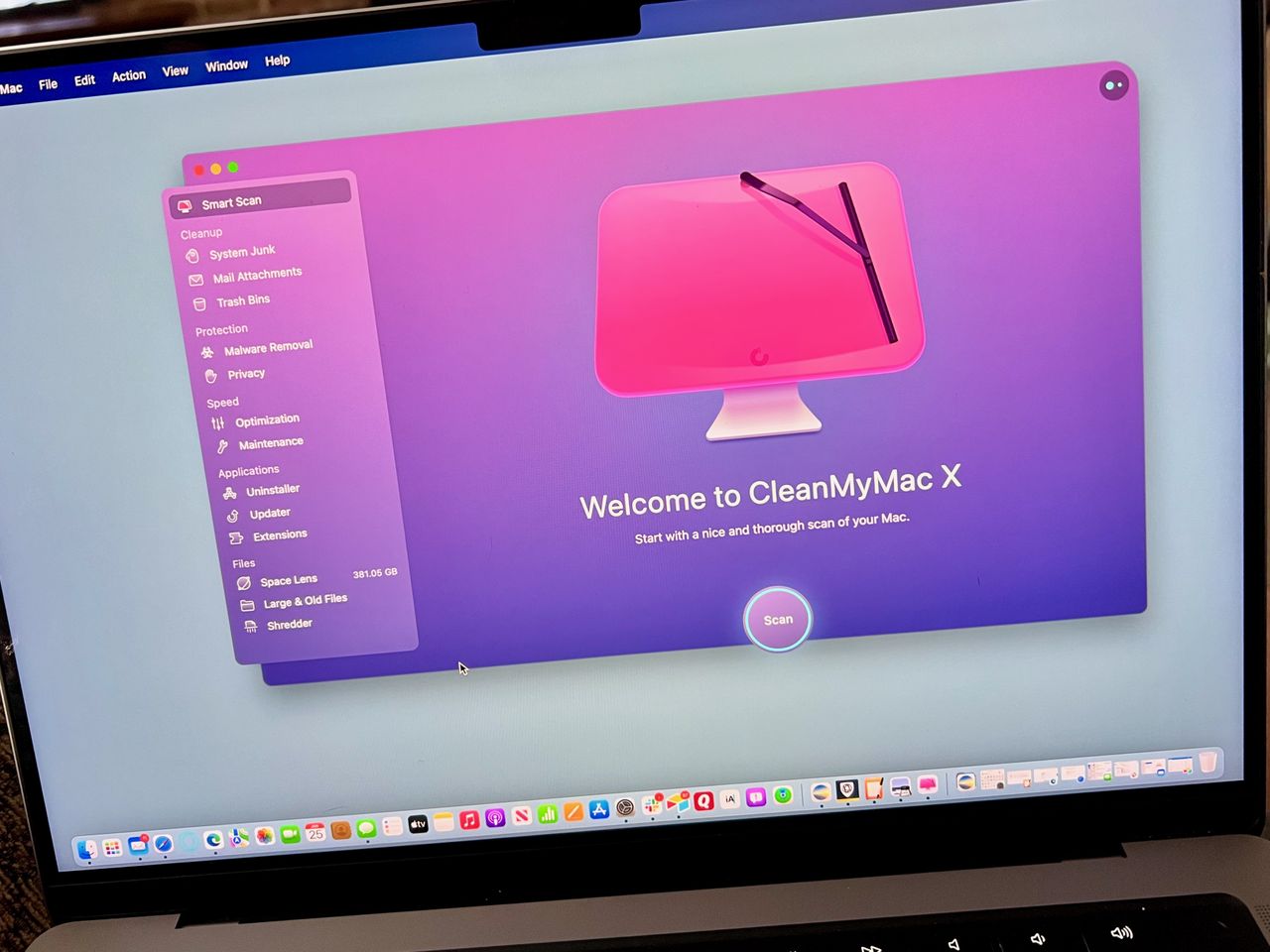
Subjectively, the best CleanMyMac X feature is the Smart Scan, a two-step tool you can find at the top left of the app menu. After clicking on the hard-to-miss “Scan” button under this section, CleanMyMac X automatically searches for ways to quickly improve the computer’s performance by concentrating on three of the five categories above, Cleanup, Protection, and Speed.
After CleanMyMac X generates its Smart Scan results, you can click on the “Run” button to automatically perform the recommended tasks or explore the individual findings in more depth. For example, under Cleanup, the app identifies system junk, mail attachments, and trash it believes are worth deleting to save space. Under Protection, you’ll find possible malware. Finally, under Speed are recommendations to make the machine perform more quickly, such as freeing up RAM and flushing DNS cache.
CleanMyMac X’s Cleanup, Protection, and Speed tools are its best ones. And thanks to the Smart Scan tool, the easiest ones to perform. If you rather not run the Smart Scan, you can run each tool individually from the app menu. This way is ideal for anyone who wants to feel more in control before wiping out files or freeing up RAM. I typically use Smart Scan, although there are times when I’m troubleshooting a problem and drilling down is best. Either way is pain-free and gets the job done.
CleanMyMac X does a less impressive job with its Applications and Files tools. Under the former, you can quickly delete more than one app simultaneously, including leftover files from previous deletions. Regularly, I use this tool to identify apps I no longer need and remove them to save space and add some order. If they were downloaded from the Mac App Store, they can get added again at any time.
There’s also an app update tool, which lets you install multiple app updates concurrently. Unfortunately, the tool tends to be hit or miss as some updates weren’t found during my tests. The app also includes an extension tool in this location. Use it to delete Spotlight, Safari, and other types of extensions individually or as a group.
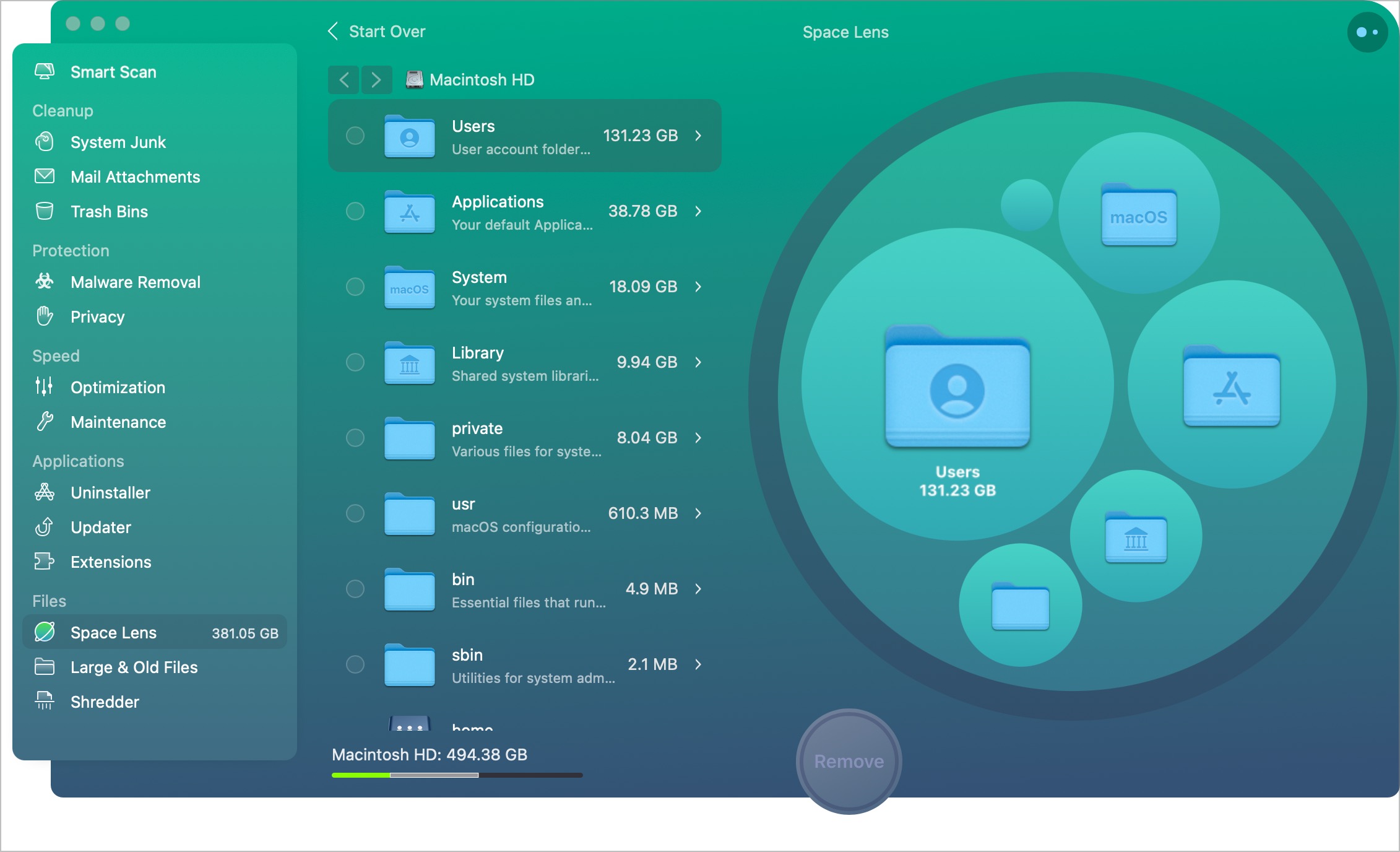
Finally, the three Files tools are Space Lens, Large & Old Files, and Shredder. The first one offers a visual comparison of your Mac’s folders and files. It’s intended to give you a birdseye view of what’s located in storage. Unfortunately, the Space Lens design has much to be desired and doesn’t look nearly as good as other solutions on the market, such as DaisyDisk, one of my favorites.
I’m not saying Space Lens is bad. However, some refinement in its design would go a long way in making the feature much better and easier to use.
The Large & Old Files tool is a little more valuable as it identifies “huge” and rarely used files that take up space you. With these identified, you can decide whether to delete them or keep them in place. For example, it’s a great resource to find large video files no longer needed.
Security and Privacy
CleanMyMac X, best known for its optimization tools, has deeply integrated security into the app, moving it well beyond a simple add-on. The Protection module delivers two main functions: malware removal and privacy management. The malware scanner runs on MacPaw’s proprietary Moonlock Engine, which targets macOS-specific threats, including adware, spyware, and cryptocurrency miners. While it won’t replace a dedicated security suite for high-risk users, Moonlock receives regular threat definition updates and sweeps up the usual Mac-focused suspects, such as adware and miners, without bogging down the system.
The privacy side of the Protection module is where CleanMyMac X tends to stand out from traditional antivirus tools. The app quickly clears browsing history, chat logs from apps like Messages, and recent items lists. These aren’t just convenience features. Clearing this kind of residual data reduces your exposure if a device is lost, stolen, or accessed without your knowledge.
The Application Permissions manager consolidates all apps that have been granted access to your microphone, camera, or disk into a single view, letting you audit and revoke access without hunting through System Settings. For users who have accumulated years of installed software, this alone can surface long-forgotten permissions that are unsettling.
It’s worth noting what the Protection module doesn’t cover. There’s no real-time threat monitoring, no network firewall, and no VPN. CleanMyMac X is not positioning itself as a full security suite, and the Protection module is better understood as a practical privacy maintenance tool for everyday Mac users who want something faster and more approachable than a dedicated antivirus platform. For the average user, it strikes a smart balance between utility and ease of use.
Interface and in use
MacPaw has gone out of its way to create a beautiful, easy-to-use app in CleanMyMac X. Besides Space Lens, ever section is designed with friendliness in mind. Better still, it offers explanations whenever it recommends file deletions.
Support
You can find CleanMyMac X support from the MacPaw website. The site includes troubleshooting guides, a location to submit malware concerns, and a Contact Us page.
The competition
CleanMyMac X targets the premium end of the Mac utility market but faces real pressure from both specialized tools and broader all-in-one platforms. If you’re looking for a household name on a budget, CCleaner is still the obvious starting point. Its free tier handles basic junk cleanup with a straightforward, no-frills interface, which makes it accessible to users who want occasional maintenance without a subscription commitment. However, CCleaner’s Mac version has historically lagged behind its Windows counterpart in depth and refinement, and it offers no comparable malware scanning or permissions management to CleanMyMac X.
MacKeeper has rebuilt its reputation considerably after years of aggressive marketing that damaged user trust. The modern MacKeeper has evolved into a solid all-in-one suite that now includes antivirus scanning, a bundled VPN, and 24/7 live support, all under a subscription model. For users who want security, privacy, and cleanup tools in a single package with human support available, MacKeeper has become a more credible option than it once was. CleanMyMac X still holds an edge in interface polish and the depth of its optimization tools, but the lack of a VPN is a notable omission compared to MacKeeper’s bundle.
Cleaner One Pro, published by Trend Micro, takes a different approach by prioritizing speed and simplicity. Its disk space visualization is genuinely useful for quickly identifying storage hogs, and the app has a lighter resource footprint than CleanMyMac X. It won’t appeal to users who want detailed cleanup control, but as an affordable, low-commitment option, it serves casual users well.
Nektony’s App Cleaner and Uninstaller is more of a specialist tool. It’s built specifically for thorough app removal, hunting down the preference files, caches, and support folders that macOS leaves behind after a standard drag-to-trash uninstall. Available as a one-time purchase rather than a subscription, it appeals to users who distrust recurring billing models. It doesn’t compete with CleanMyMac X on breadth, but for users whose primary frustration is incomplete uninstalls, it’s a sharper tool for that specific job.
Final verdict
CleanMyMac X is a terrific maintenance solution that’s reasonably priced and packed full of features. Of course, some of these are better than others. And yet, as a whole, the app serves a valuable purpose. At the minimum, you should download and install a trial version and see whether it’s right for you.
You might also be interested in our report on the best Mac apps of the year.
“}]]
 CleanMyMac X wants to be all things to all people. It nearly exceeds, although some things could be done better. Read More Latest from TechRadar US in Reviews